Say what you want. Get a program that works
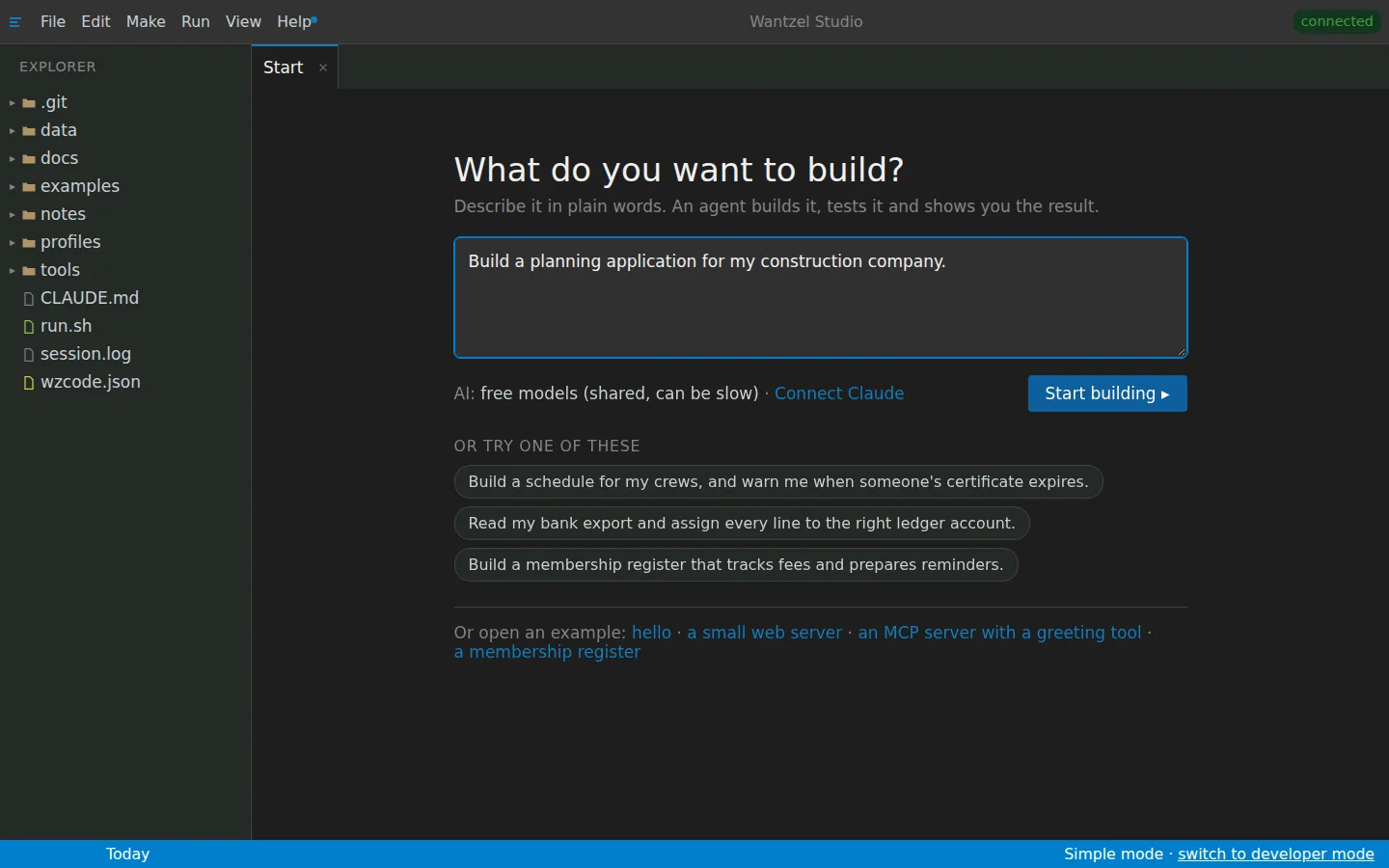
Wantzel Studio opens on one question: what do you want to build? You answer in plain words, the way you would tell a colleague.
An agent builds it, the compiler checks it, and the agent fixes what is wrong. You get the program once it works. No code to read, no setup, no prompt tricks.
How it goes
-
You describe it
Type what you want in the field on the start screen: “Build a schedule for my crews, and warn me when someone's certificate expires.” Three example sentences help you start, and the screen says which AI will do the work.
The start screen
-
An agent builds and checks it
Your sentence becomes a ticket, and an agent picks it up. It writes the program, lets the compiler check every line, reads what the compiler says and fixes it. You can follow along in the Agents tab, or do something else in the meantime.
-
You use what works
Only a working program lands in your tab. Want something different? Say it in the same plain words, and an agent takes it from there. When others should use it, publish it at its own address.
A calm screen
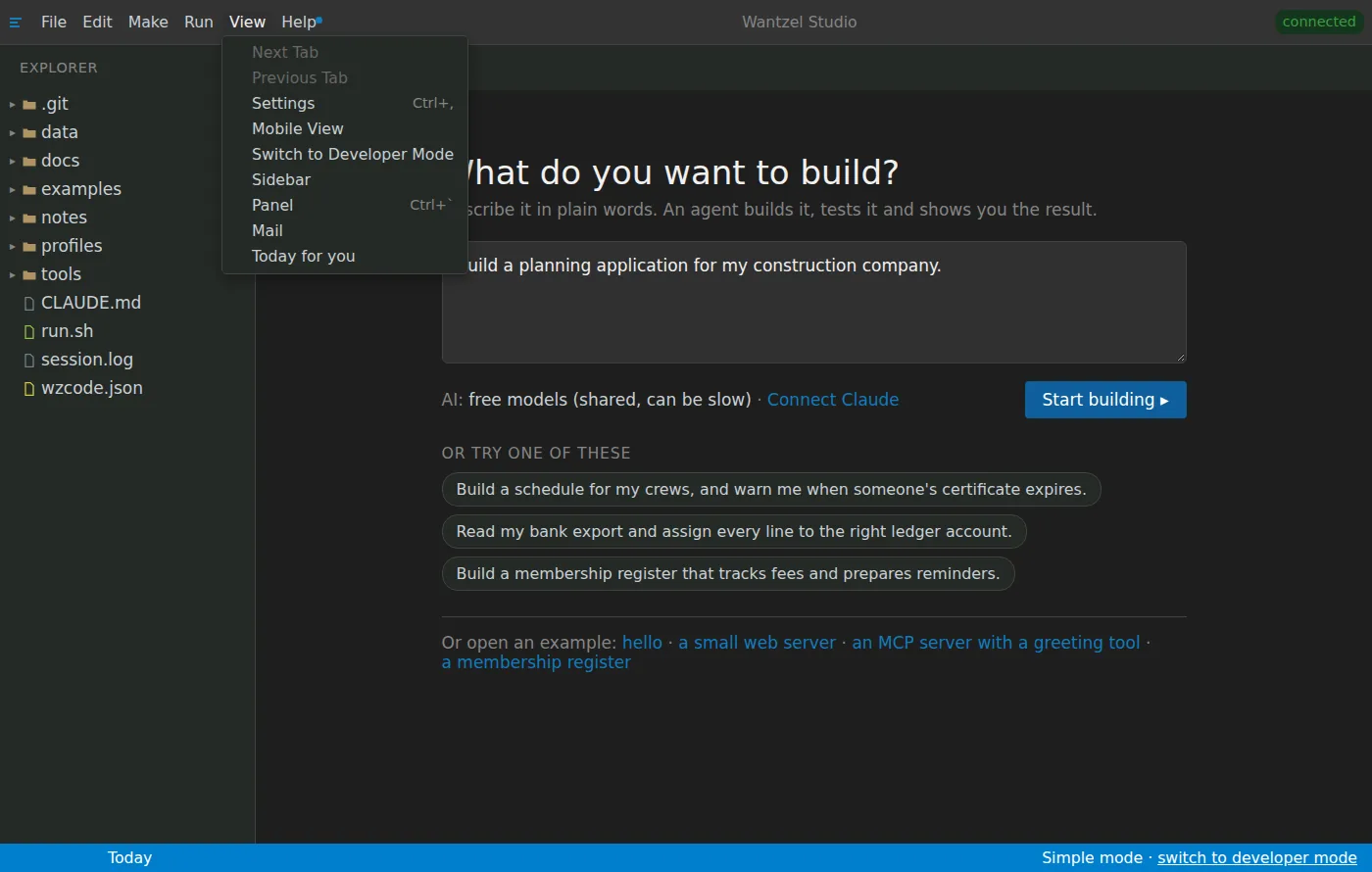
Simple mode shows what you need: four tabs at the bottom (Agents, Problems, Console and Tickets) and a short menu. The rest of the studio is one click away in the status bar, for the day you want it. How developers use the same window is on the page for developers.
Simple mode
The questions people ask
- I cannot programYou do not need to. You describe, an agent writes, the compiler checks.
- Which AI does the work?The start screen says it. Without an account of your own the agent uses free models, shared and sometimes slower; connecting your own AI provider is one step.
- It is not what I meantSay what should change, in plain words. An agent picks it up the same way.
- What does it cost?EUR 200 a month for your whole organisation: every person, every mode and every part of the studio.
Read next
A program that works, from one sentence
EUR 200 a month per organisation
Leave your email address and Floris contacts you to plan a conversation and a demo with your own work in mind.