From a sentence in a ticket to a program that runs
Write down what you need in one sentence. Give it to an agent, or to several agents at once, and read later what each one did.
The same tickets are in the studio, on your phone, in a script and in Claude.
How it goes
-
Write it down
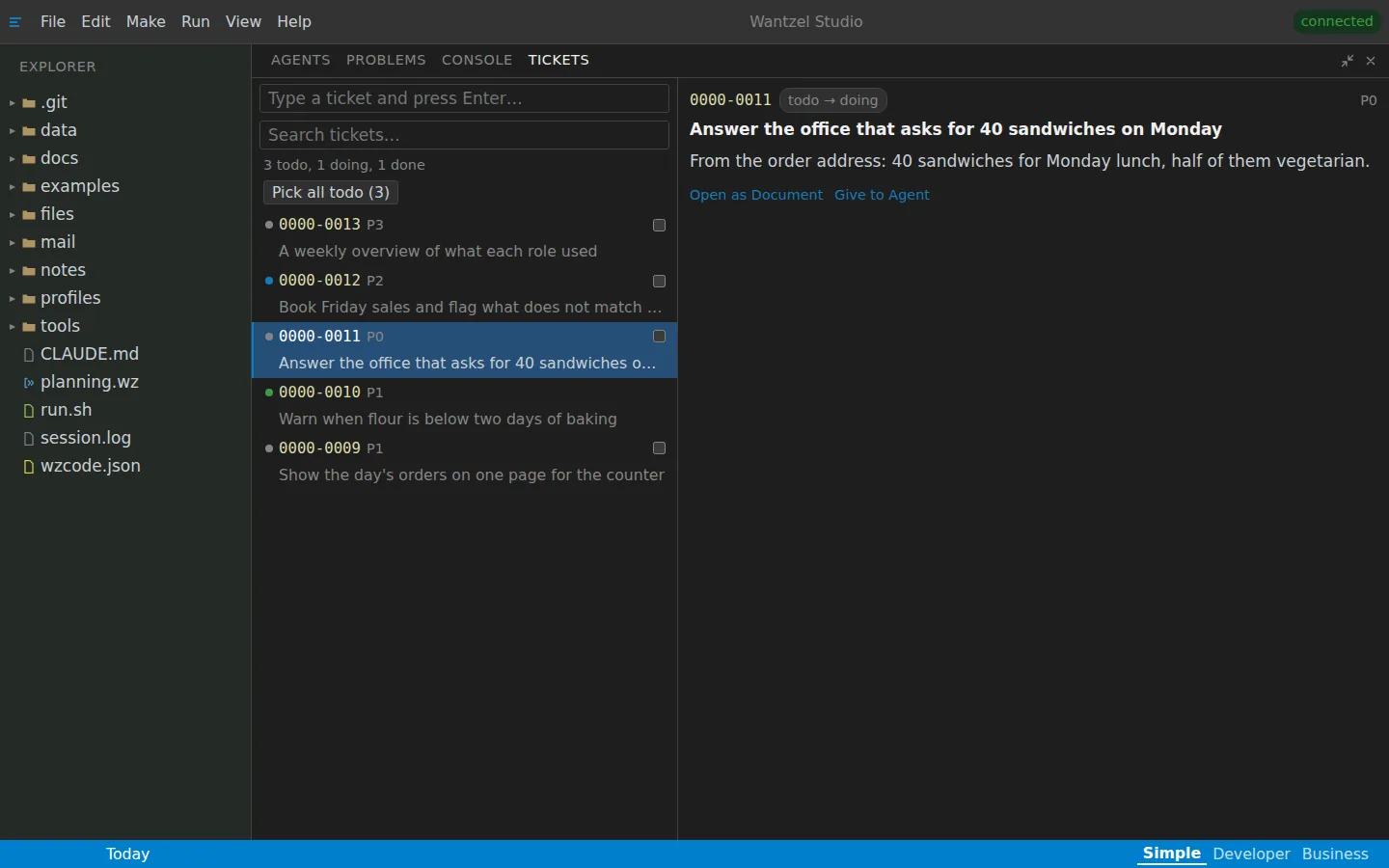
Type a sentence in the Tickets tab and press Enter: the ticket exists at once. In the background an agent sharpens it into a clear goal and keeps your own sentence underneath.
The tickets of a bakery
-
Give it to an agent, or give many
Choose Give to Agent and an agent takes the ticket as its task. Tick several tickets, or Pick all todo, and each goes to an agent of its own, side by side.
-
Read what it did
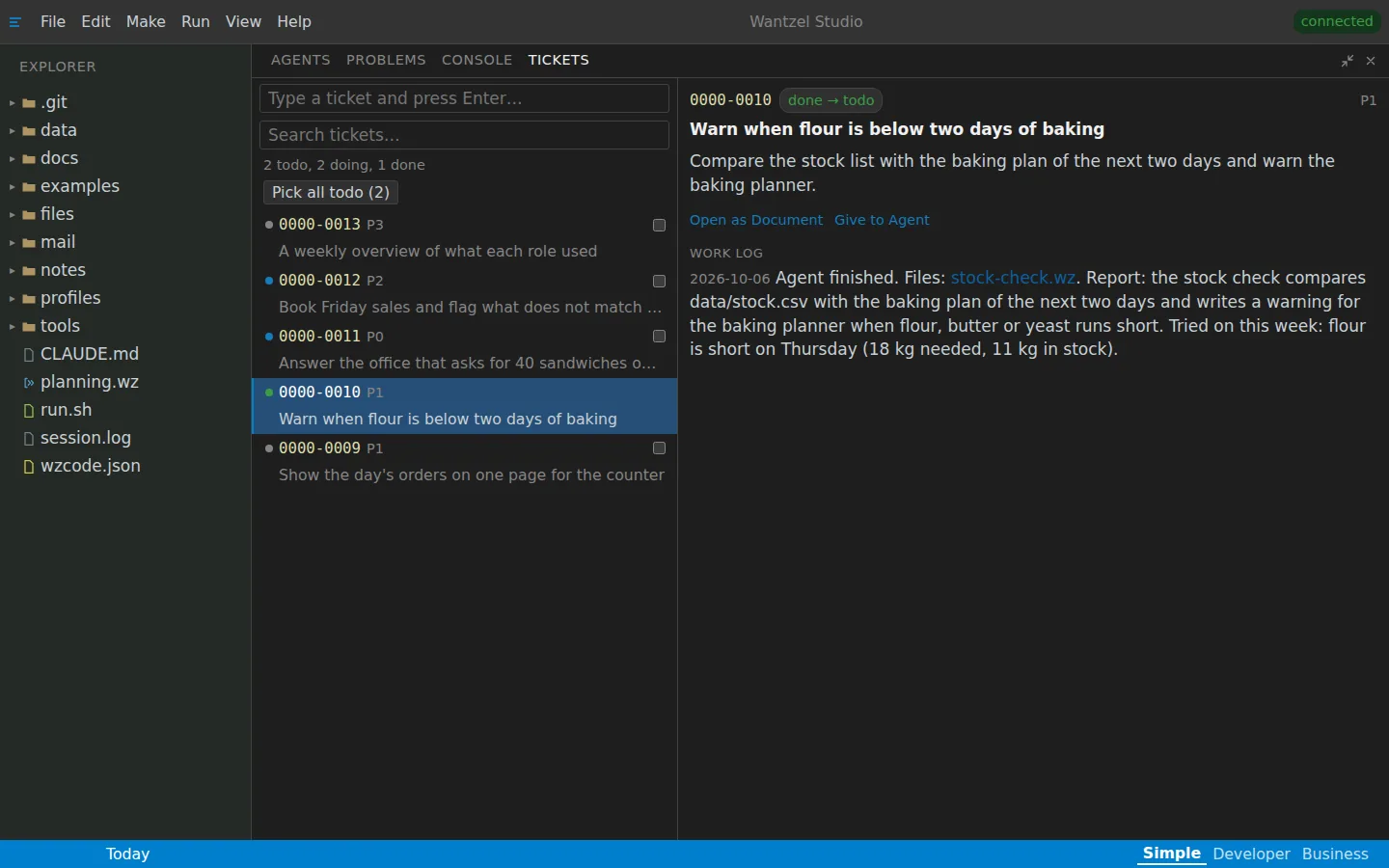
When the agent is done, its report is in the ticket's work log: what it built, which files, and how it tried it. A file it names opens with one click.
The report in the work log
-
The same tickets everywhere
The panel, the Tickets tab on your phone, a script and Claude over MCP all work on the same tickets, with the same sign-in. A ticket can carry attachments, and each ticket is a plain text file in your studio that you can read with any tool.
Read next
Put your first ticket in
EUR 200 a month per organisation
Leave your email address and Floris contacts you to plan a conversation and a demo with your own work in mind.