AI agents that run your work processes
Wantzel Studio brings AI agents, work processes and the tools to manage them together. Give agents roles, tasks and tickets. Let them collaborate, and bring a person in for the decisions that need one.
Manage multiple AI providers, set daily token budgets per role and see what the work uses. Mail, mobile, decisions and publishing are part of the same studio.
AI colleagues with roles, tasks and review
Turn recurring work into a process with AI roles. Assign tasks and tickets, set a reviewer, and bring a person in for decisions that need one. See how the roles work together in these step-by-step examples.
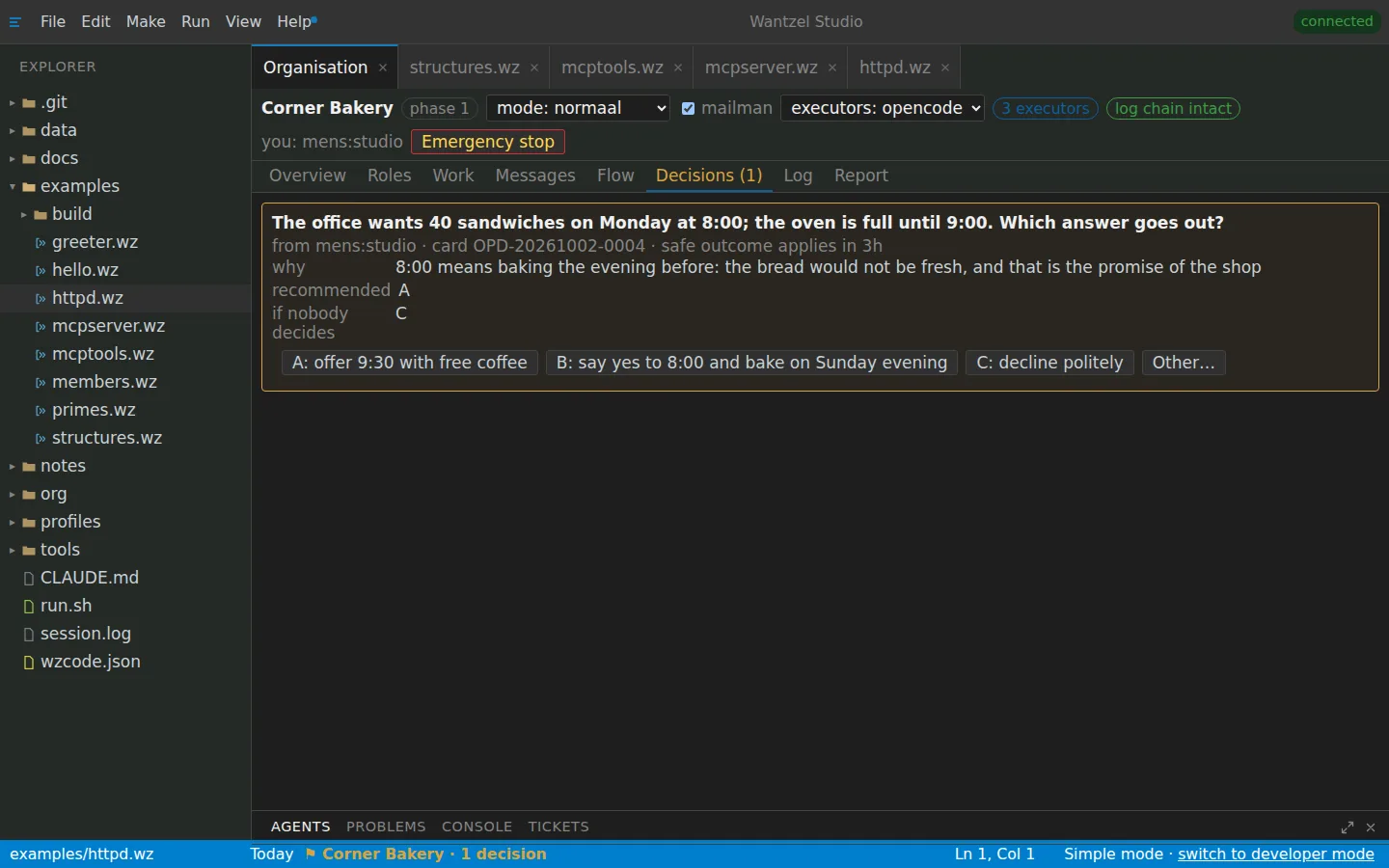
Decisions
Roles and checks
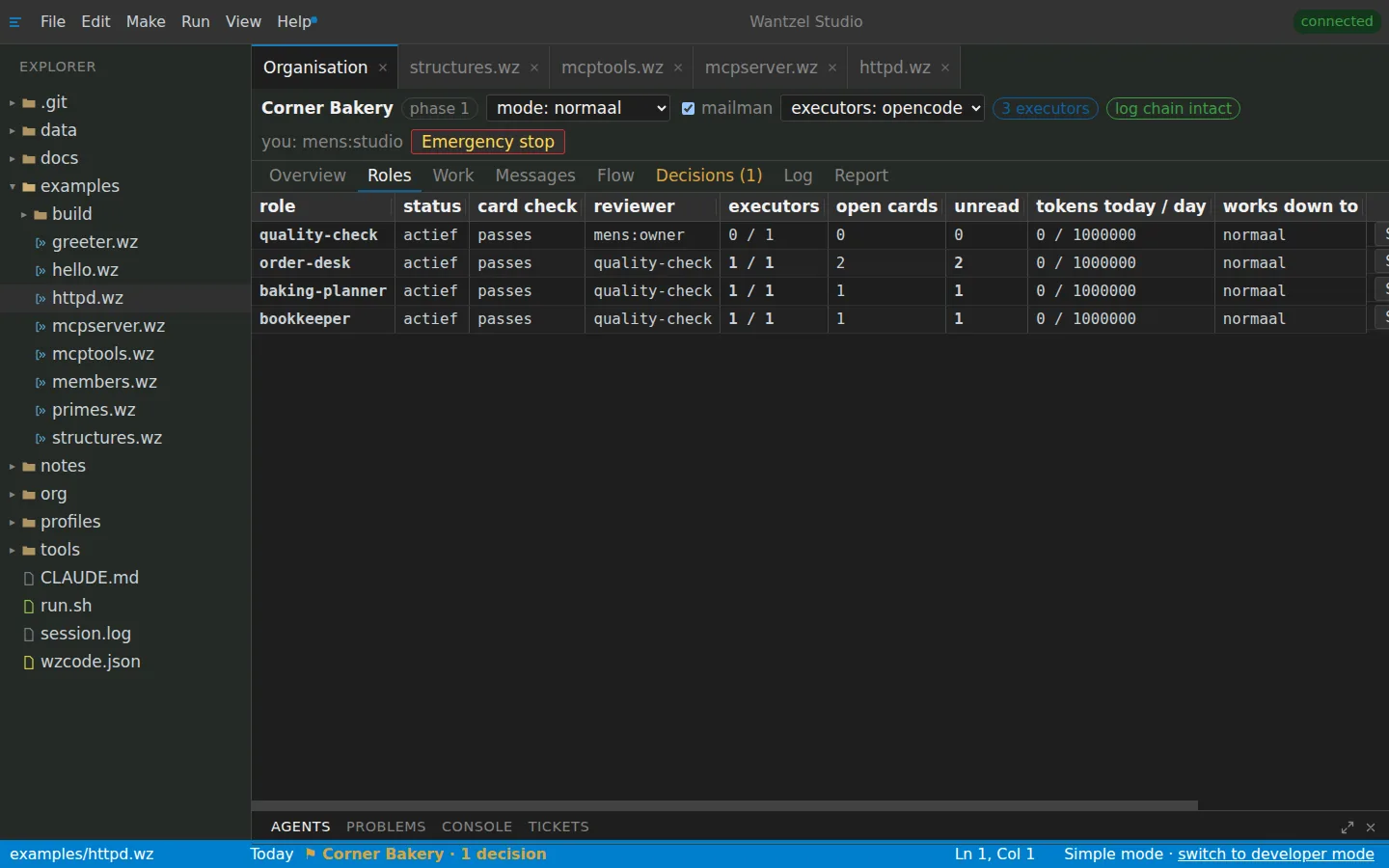
When an agent needs a person, the question comes with the options, a recommendation and the reason, and with the safe outcome if nobody answers in time. Every role has a card with its goal, its limits and a reviewer. Screenshots with a made-up bakery.
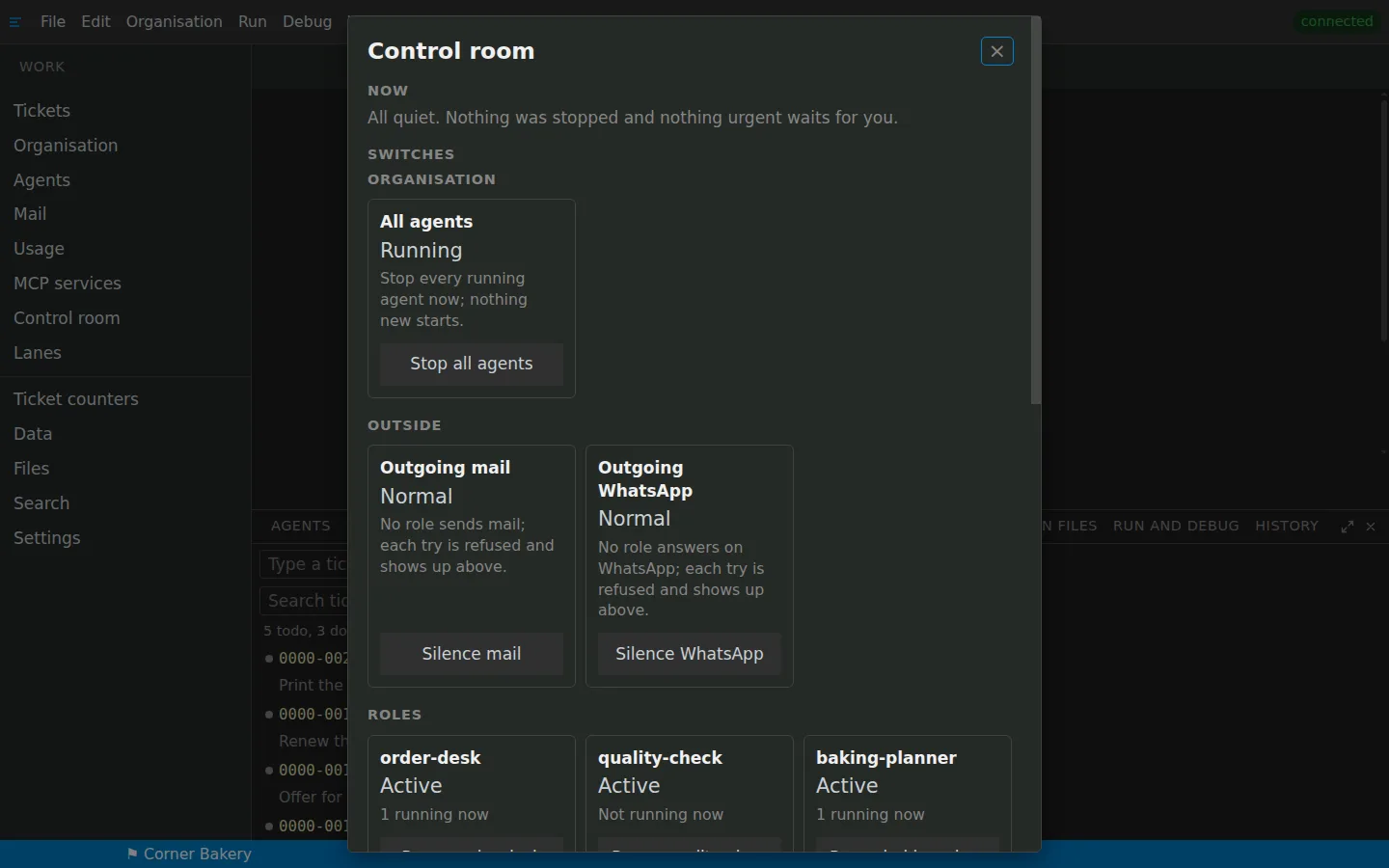
Control room
Ticket counters
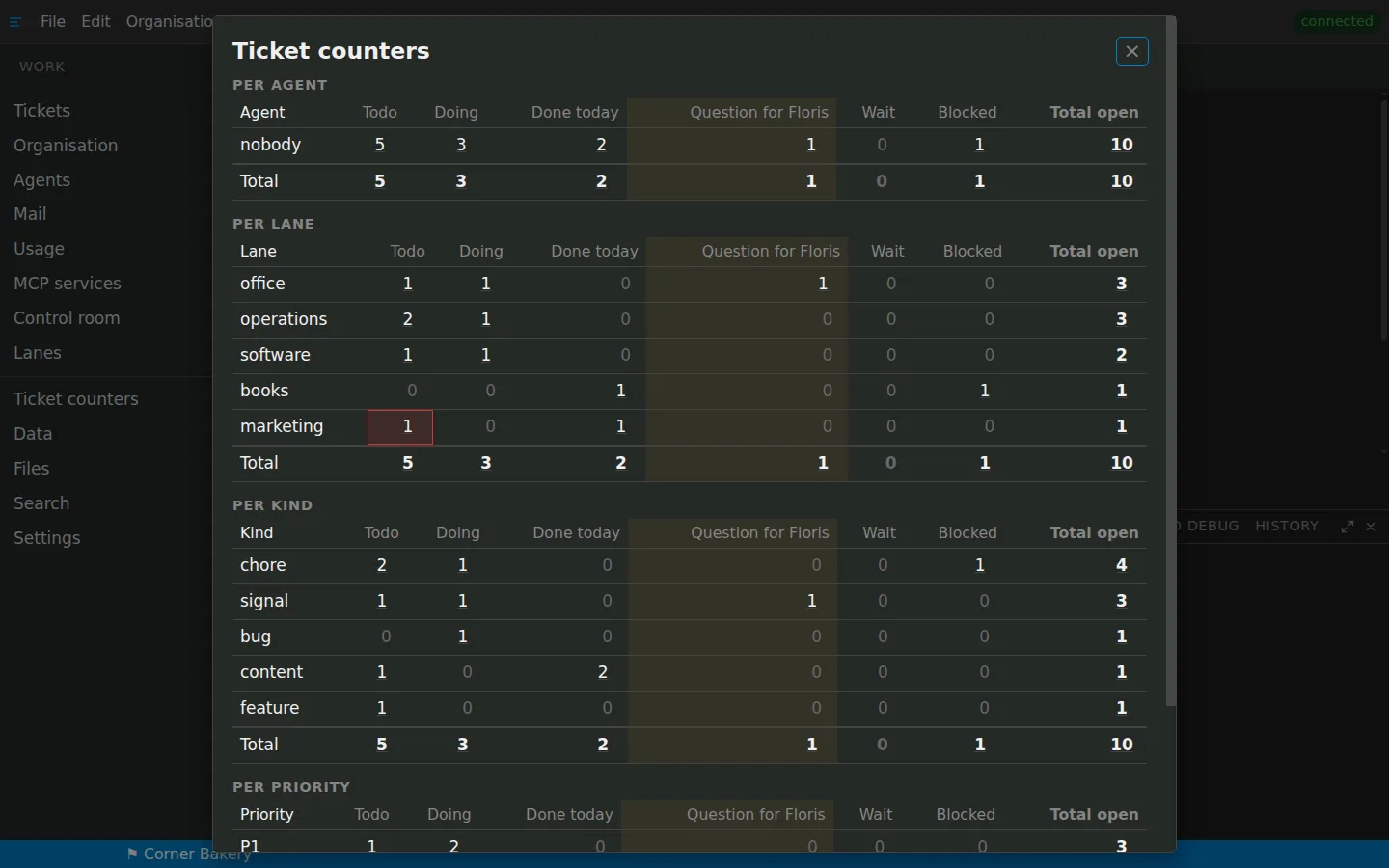
Stop all agents, or silence mail and WhatsApp, with one switch. Open work is counted per agent, lane, kind and priority. Screenshots with a made-up bakery.
Tickets
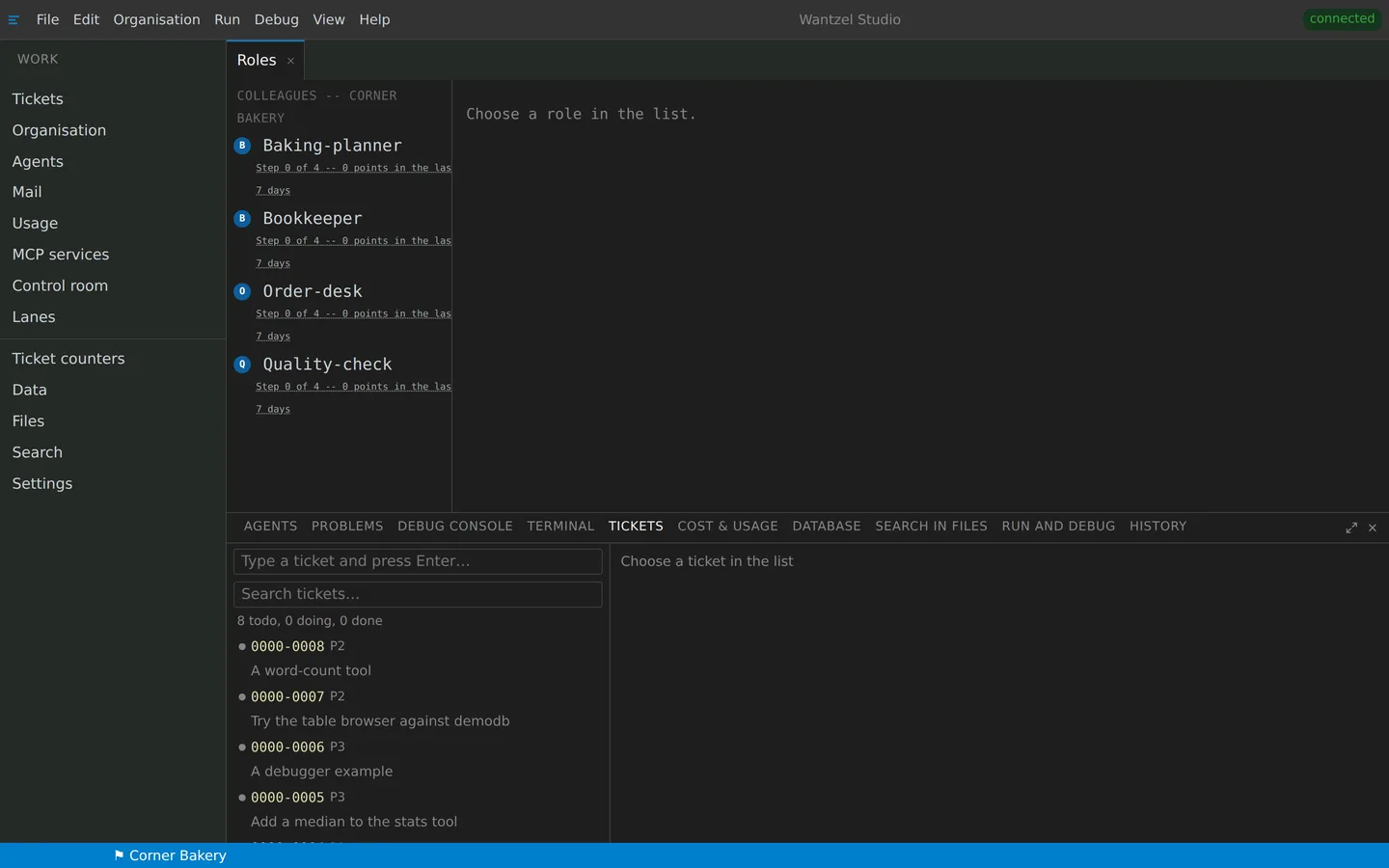
One platform for the work behind every process
Agents, work management, AI providers and the environment they run in are already connected. Manage the whole process in one place.
Tasks and tickets
- Hand a ticket to an agent and it reports back in the work log.
- Start as many agents as you have tickets.
- Stop an agent, and what it started, with one click.
Your organisation
- AI colleagues with a role card: what they may do, and what never.
- Work is reviewed by another role before it counts as done.
- What only a person may decide waits for you, with a recommendation.
Reachable everywhere
- Your studio has its own mail address: agents and programs read, answer and sign up.
- On your phone: decisions, agents, tickets and mail.
- Control the studio from Claude or any MCP client.
AI providers and budgets
- Claude, Codex, Copilot, Gemini and open models such as DeepSeek and Kimi.
- If one hits a limit, the run goes on with another.
- Each runs on your own account: no mark-up on tokens.
- Set a daily token budget per role and see usage and cost.
Live without devops
- Publish a program at its own address, with HTTP and MCP.
- Your own domain, with the certificate arranged for you.
- Your own environment on a server in Germany (EU).
Safe by design
- Every agent call is checked against its role card before it runs.
- The organisation's log is hash-chained: you see where it was touched.
- Two-step verification, and a studio can require it of everyone.
A request becomes a ticket, moves to the right role, passes review and reaches a person only when a decision needs one. The studio keeps the work, provider usage and budgets together.
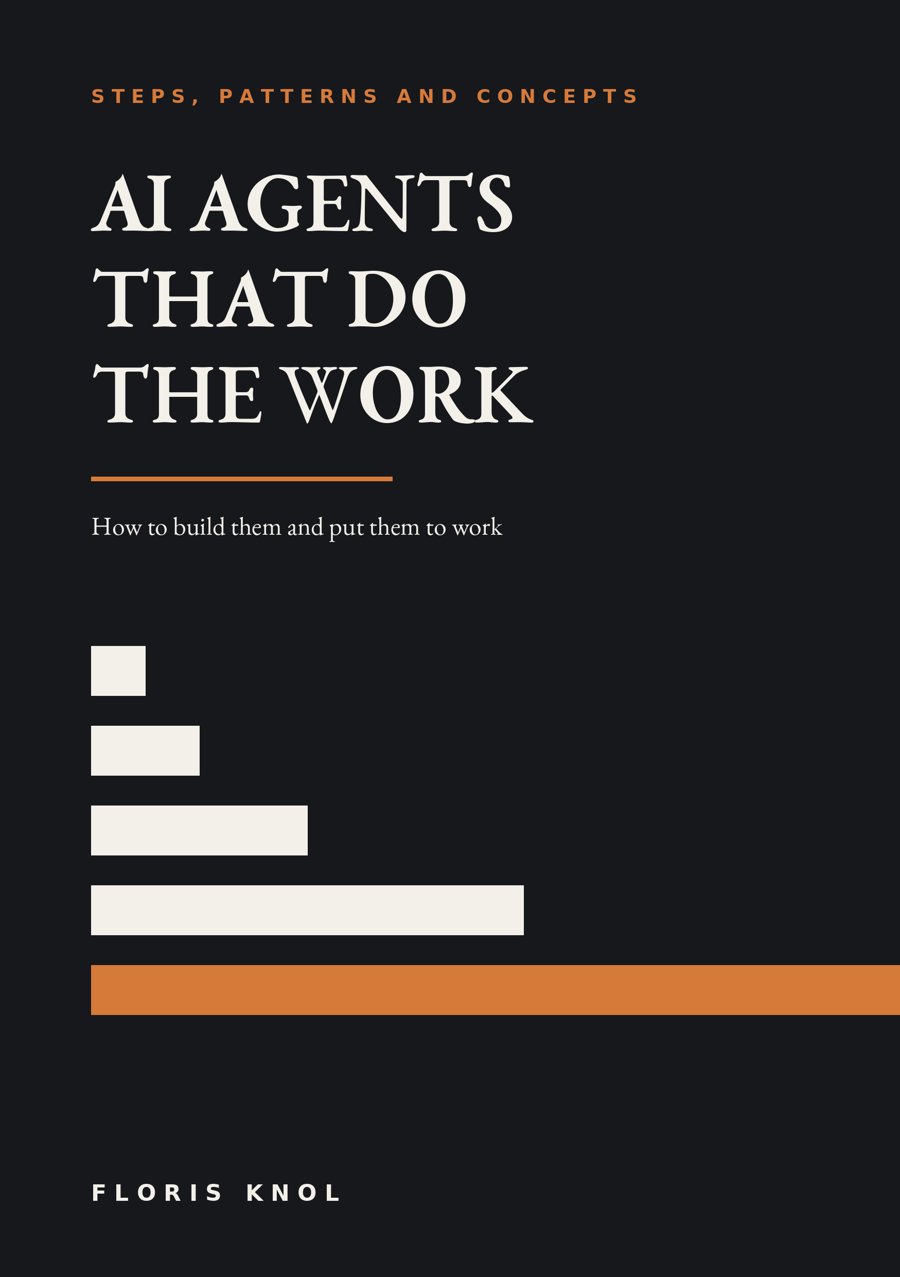
Learn how to put AI agents to work
In AI Agents That Do The Work, Floris Knol shows how to move from one task to an organisation with roles, goals and memory. The book explains the method behind the kind of work Wantzel Studio brings together. About the books