Every idea goes straight into the workflow
I come up with the ideas. My team works them out and checks them, and I get help in real time. Wantzel Studio is the environment all of this runs on.
A sketch, a screenshot, a voice message or a note: whatever comes in is picked up.
Four ways in
-
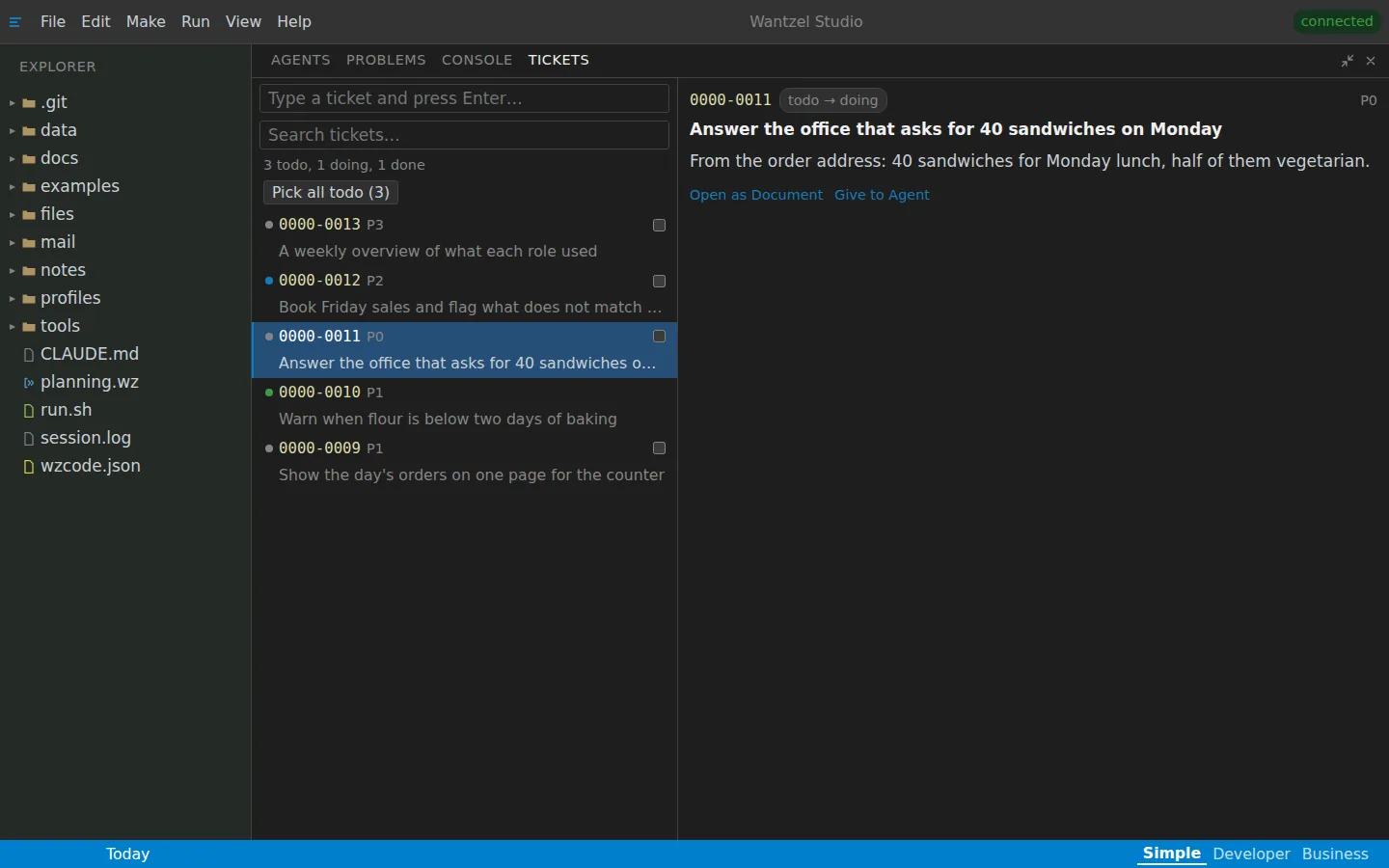
A sketch or a note becomes a ticket
A sketch, a line of notes or half an idea goes into the studio as a ticket. The team that fits the work picks it up, works it out and checks it. A sketch for an illustration comes back as an illustration in the style of the book it belongs to.
The tickets of a bakery
-
A screenshot of a mistake is picked up
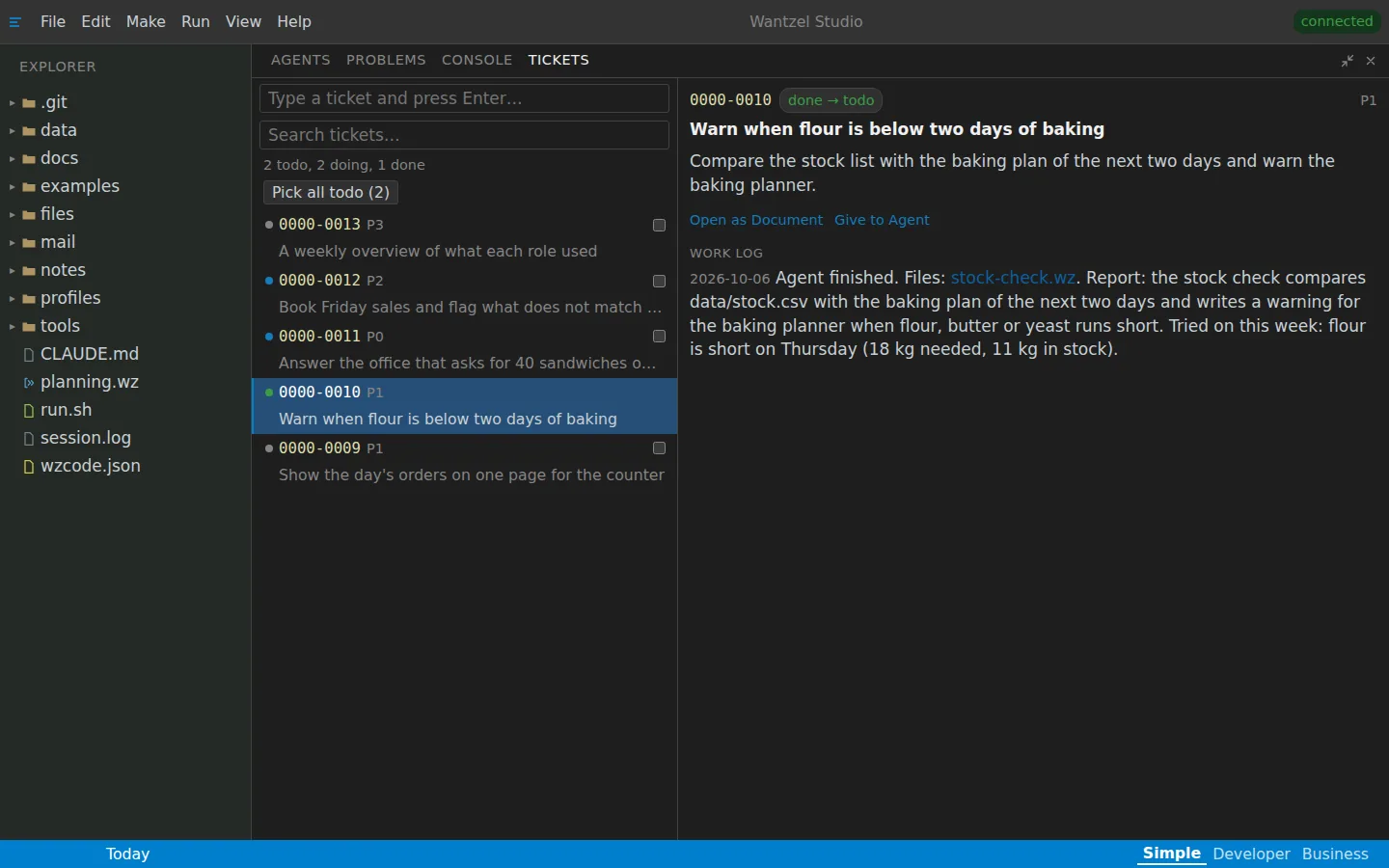
See something wrong? Send a screenshot of it. The mistake is picked up, fixed and checked, and a test is added so it is found automatically next time.
The report in the work log
-
A voice message gets the assistant going
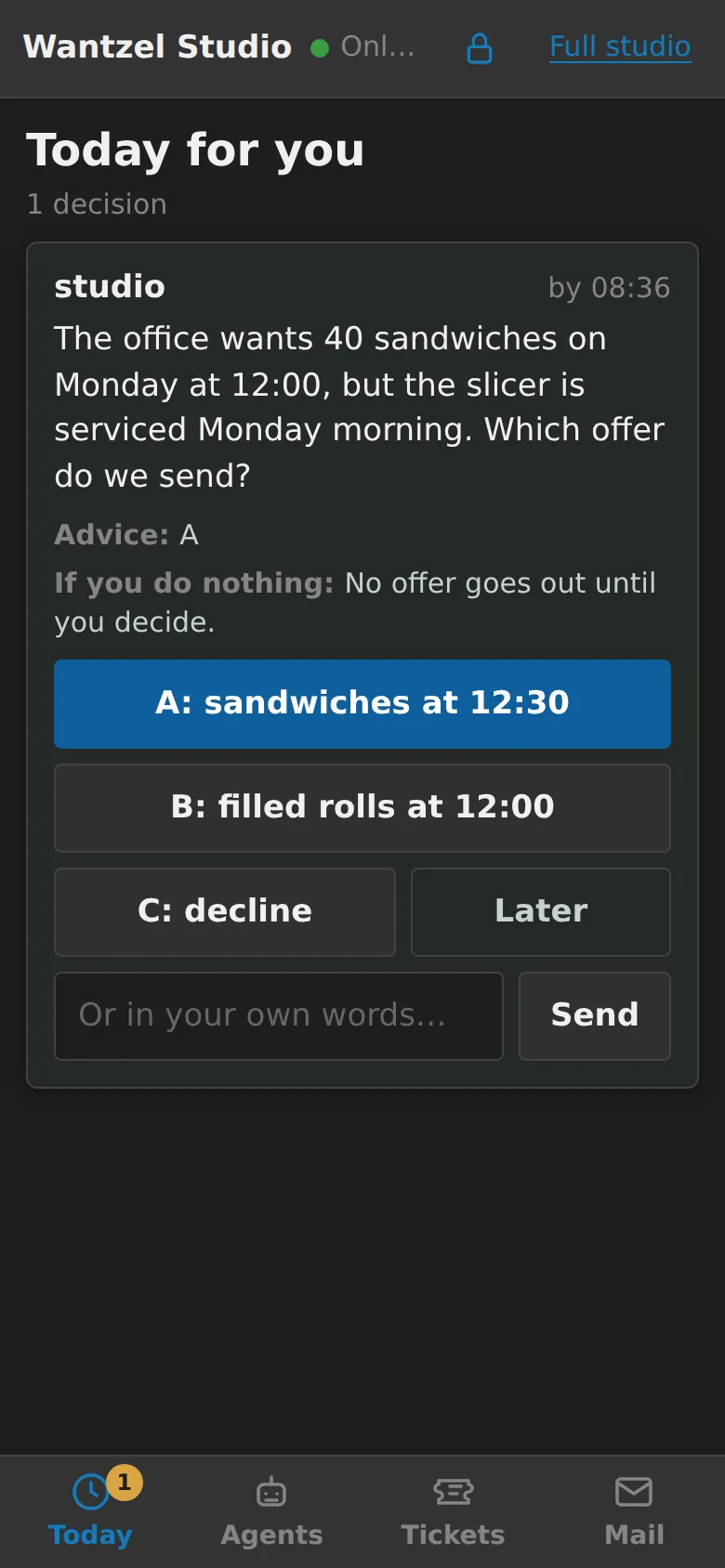
Speak a message to the assistant and she gets to work: she answers, plans and puts a choice in front of you when you are needed.
-
From anywhere
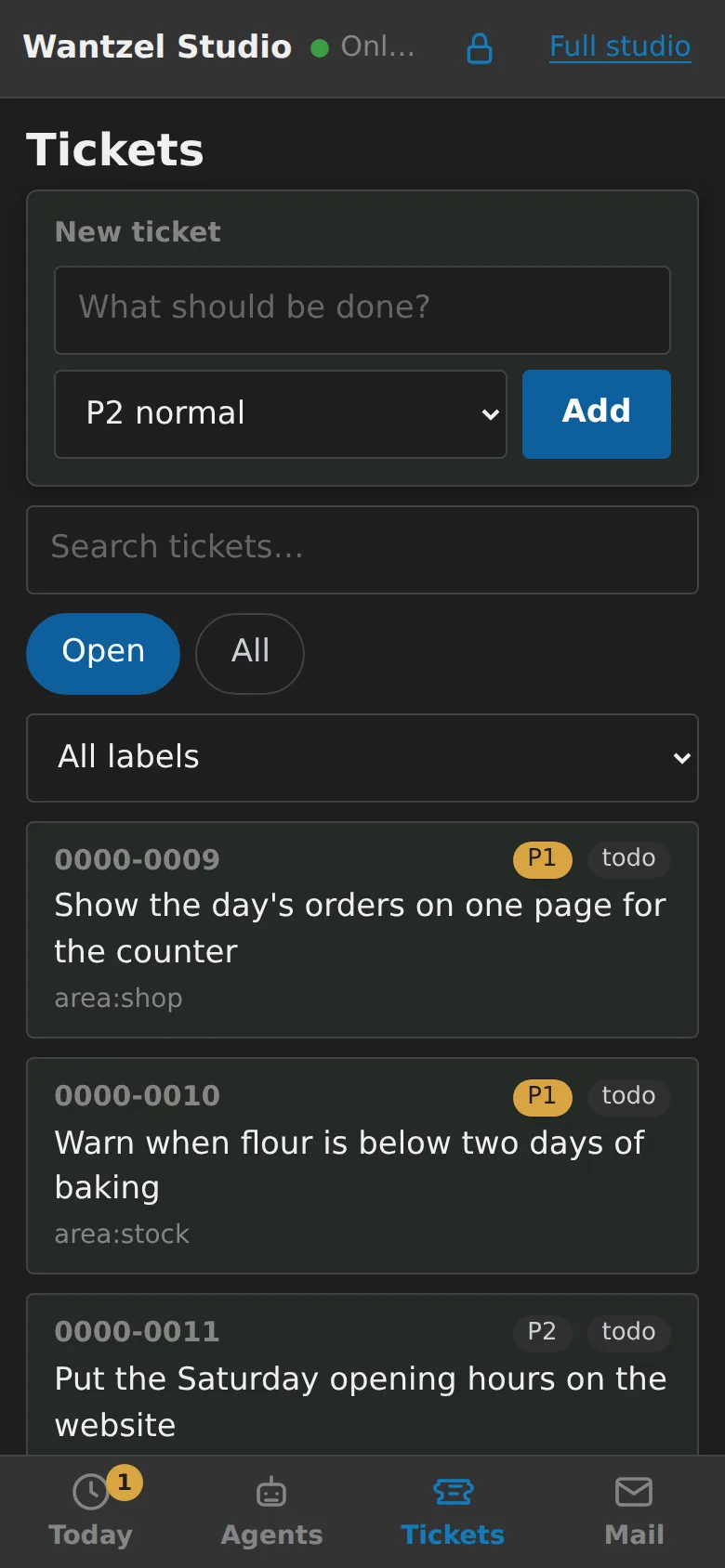
In the car, at the fishing pond, from bed: the work runs on the server, so it carries on while you are away. On your phone you decide, answer an agent and hand out work.
No idea goes in a drawer
No idea waits in a drawer for a few years any more. Every idea is picked up and checked. Sometimes it is dropped, and often it is worked out, so it can grow.