What it does
- Manage hundreds of agents — run and monitor up to 400 agent processes in one studio. See each role, task, model and result from the fleet view.
- Keep work running — agents continue when the browser closes. After a restart, the studio reconnects to the same processes. Stalled work retries automatically.
- Share one set of tools — agents can read, write, browse, compile, run and debug through the integrated MCP server. Compiler errors go straight back to the agent.
- Coordinate the work — assign tickets, prevent two agents taking the same task, answer questions from one attention list and let agents start helpers.
- Watch and take over — edits appear in the files you have open. Read the work as it happens, use the same debugger and take control at any time.
- Ready in any browser — open Studio and start working. There is nothing to install, configure or maintain, and Wantzel programs compile and run without delay.
See it in use
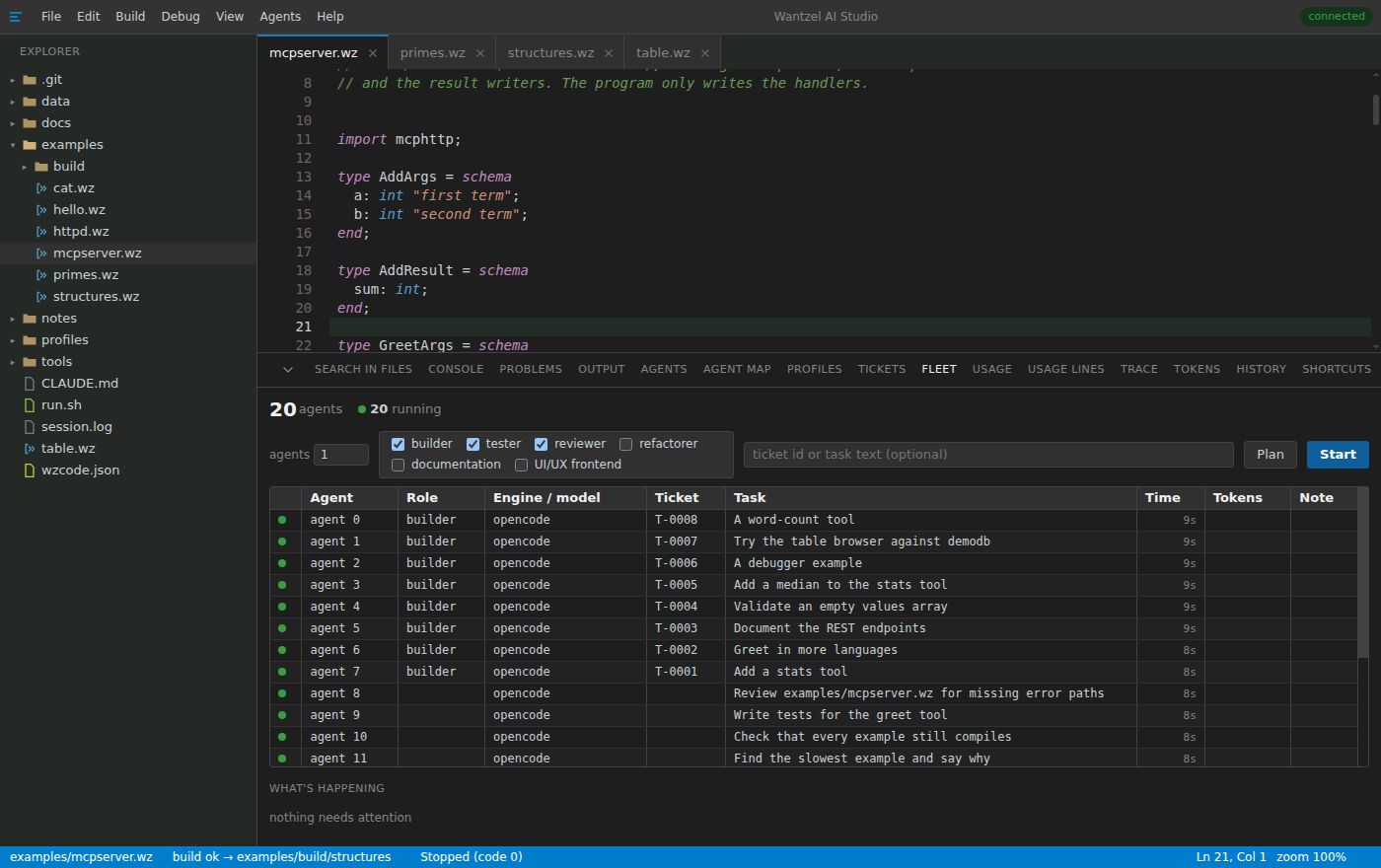
A fleet at a glance
See each agent's role, model, ticket, current task, elapsed time and token use. Start more agents by role or give the fleet a plan.
Where every agent is
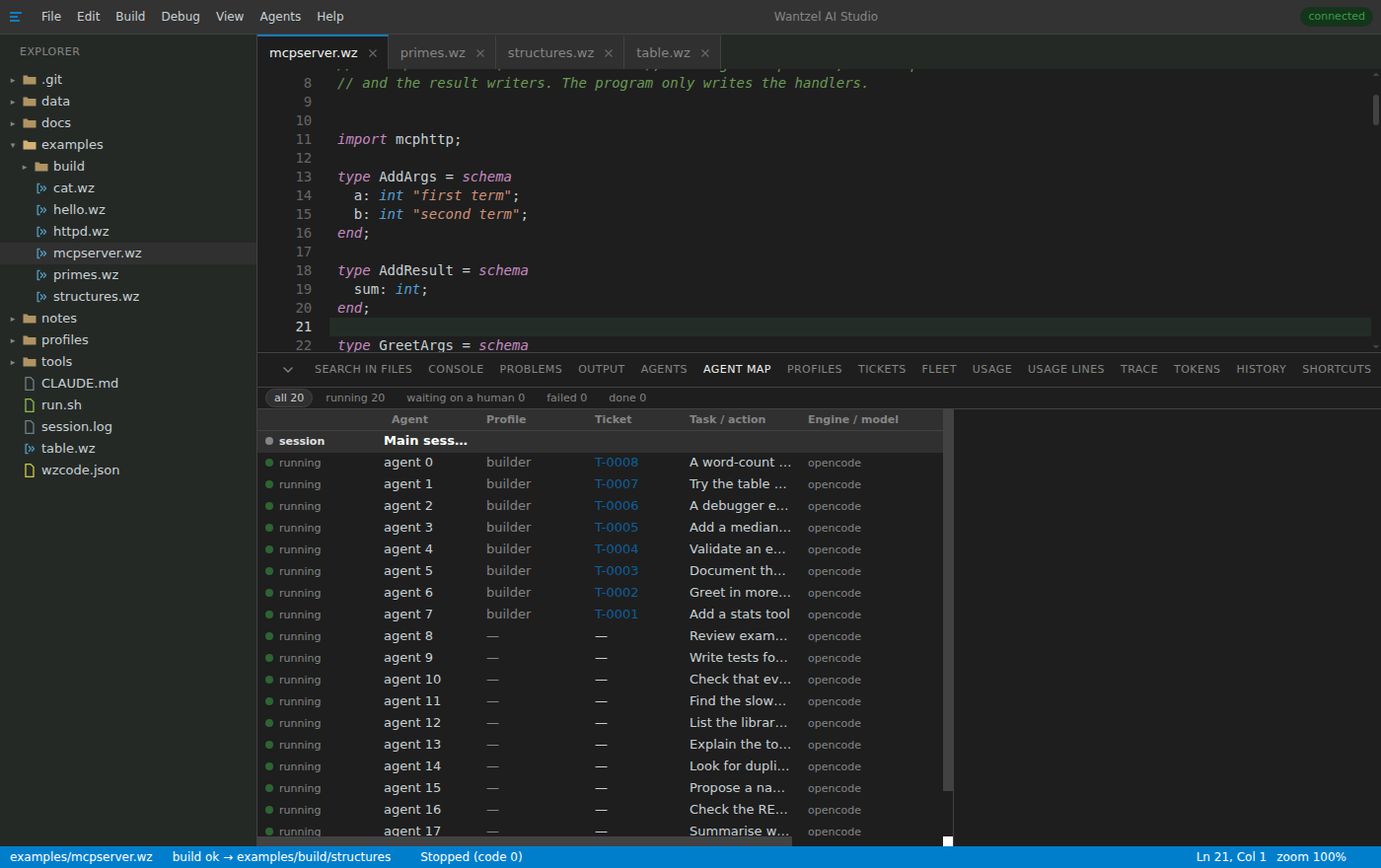
The map shows which agents are running, waiting, failed or done, and which agent started each helper. It returns after a studio restart.
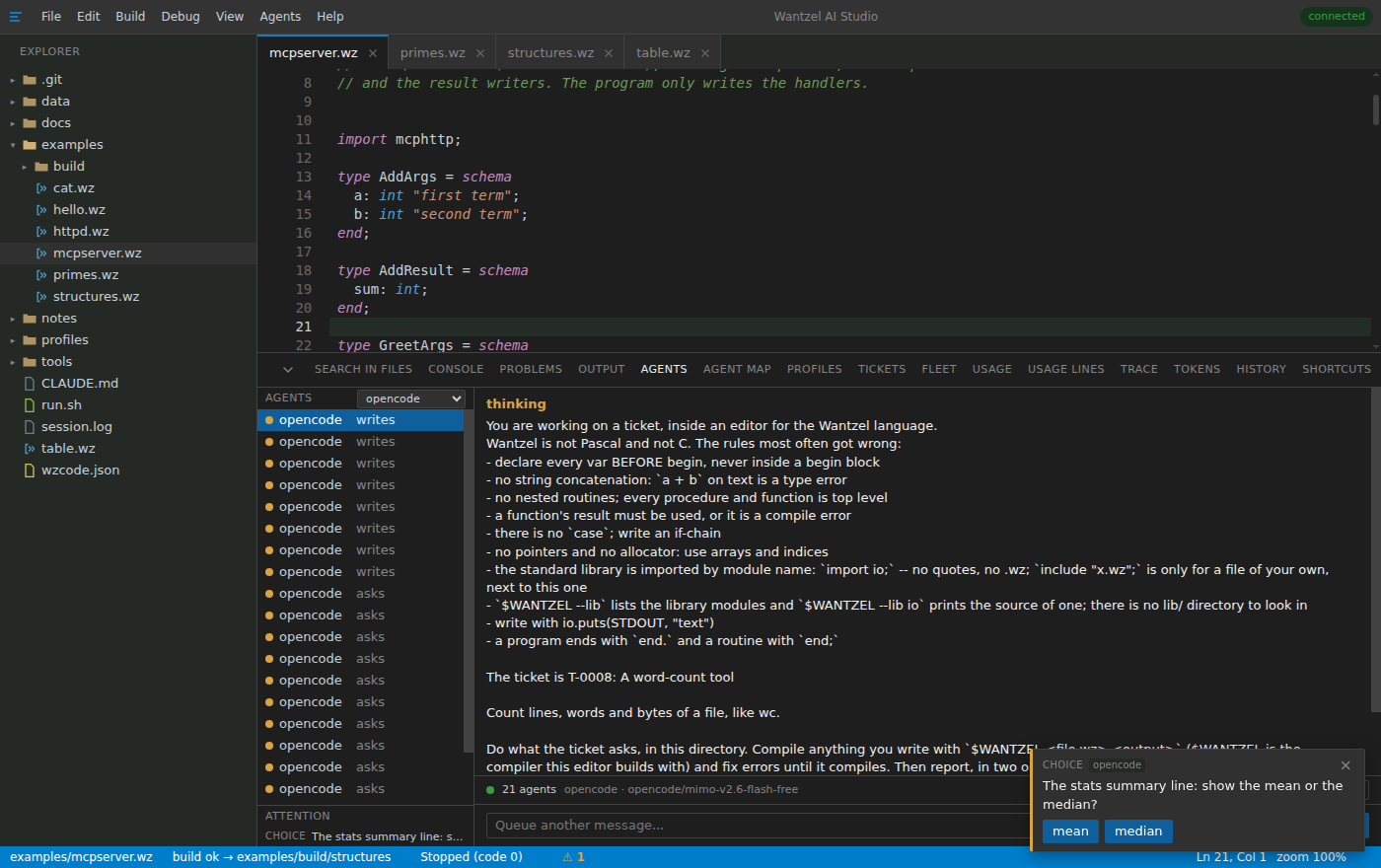
An agent asks; you answer
Questions appear with their available choices. Other agents continue while this one waits. You can answer now or after a restart.
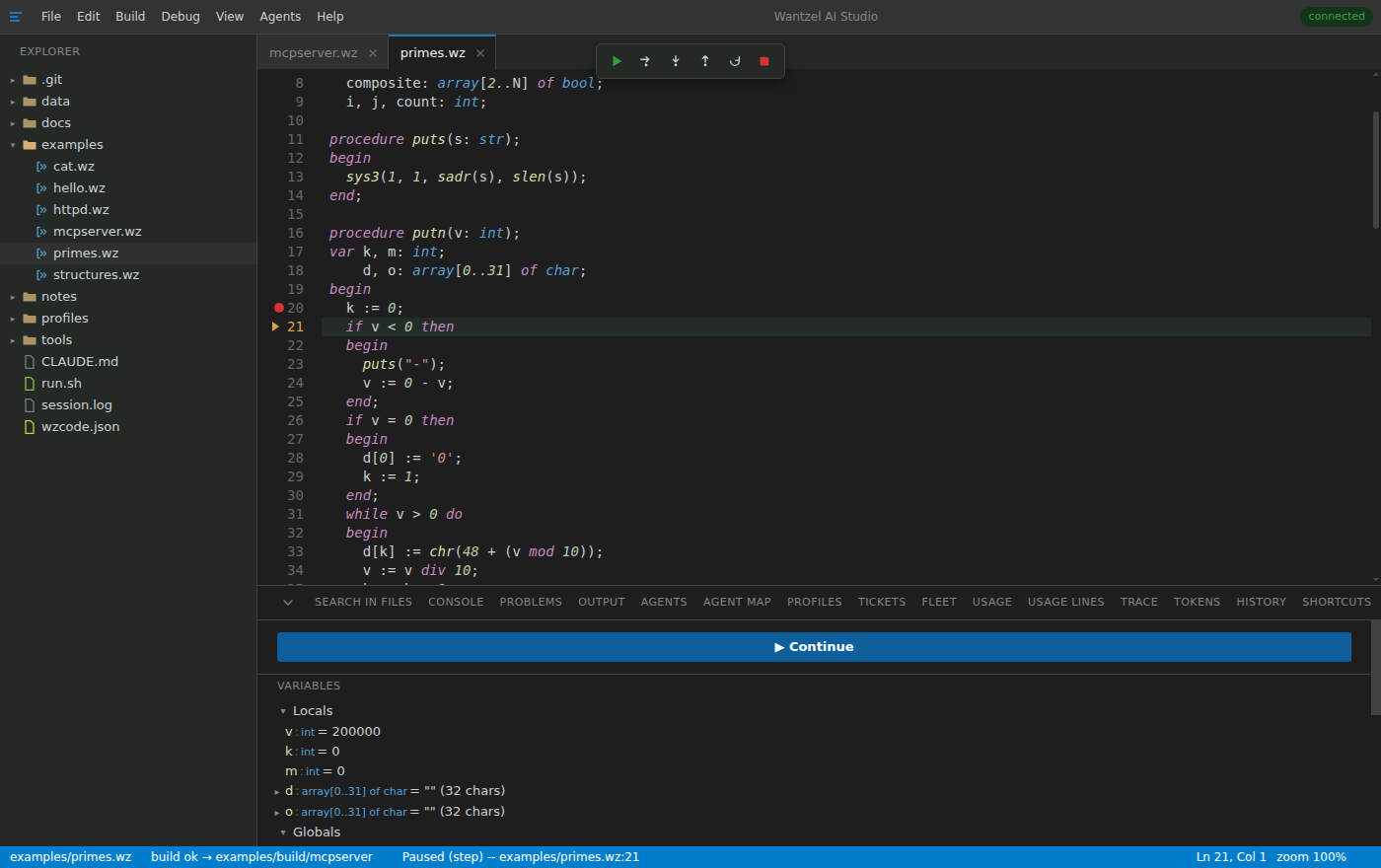
Debug the running program
Click a line to set a breakpoint, then step over, into or out. Inspect globals, arrays and records while the program is paused.
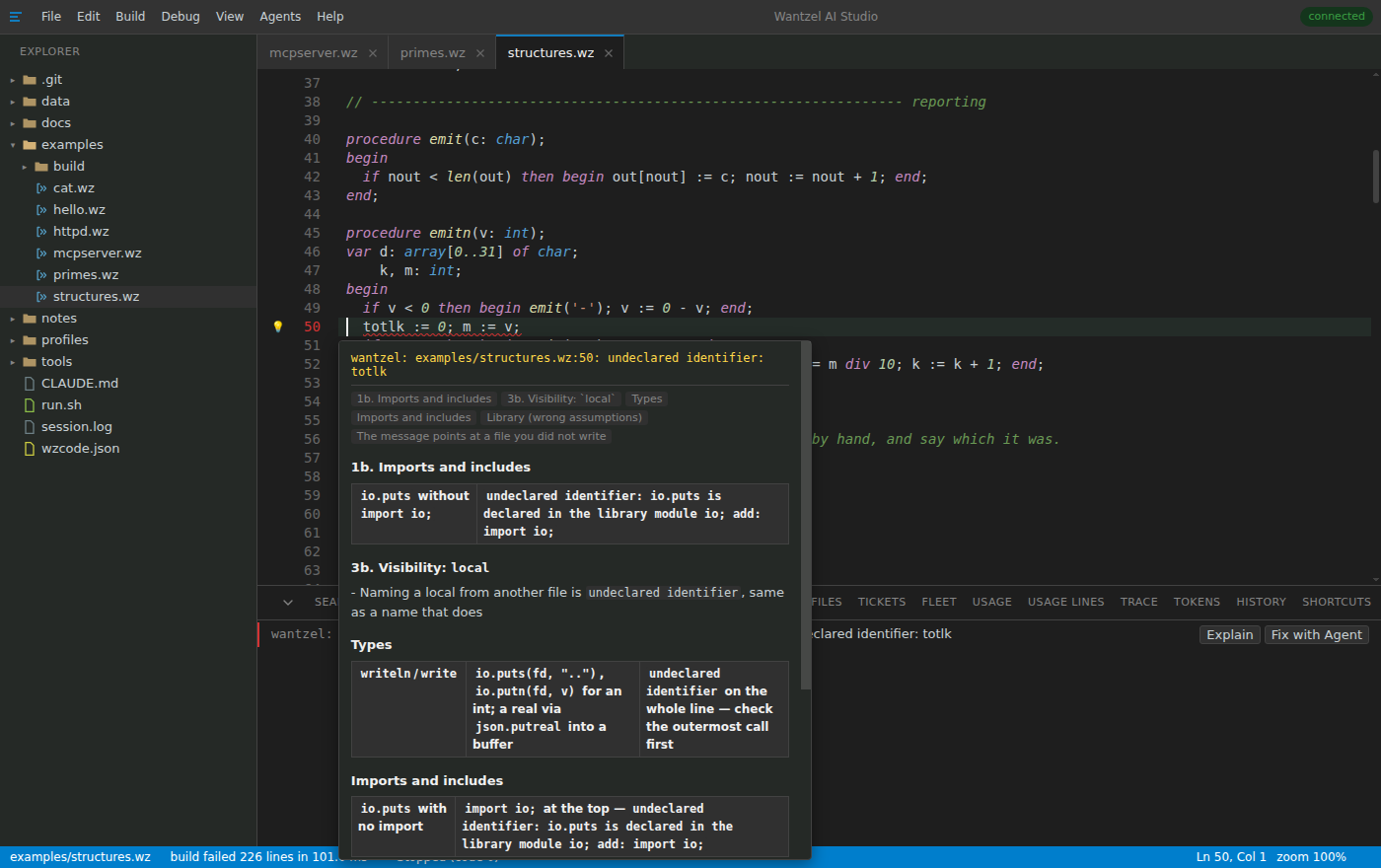
Fix an error beside the code
Compiler errors appear while you type. Open one for an explanation and a tested fix, or give the error and its context to an agent.
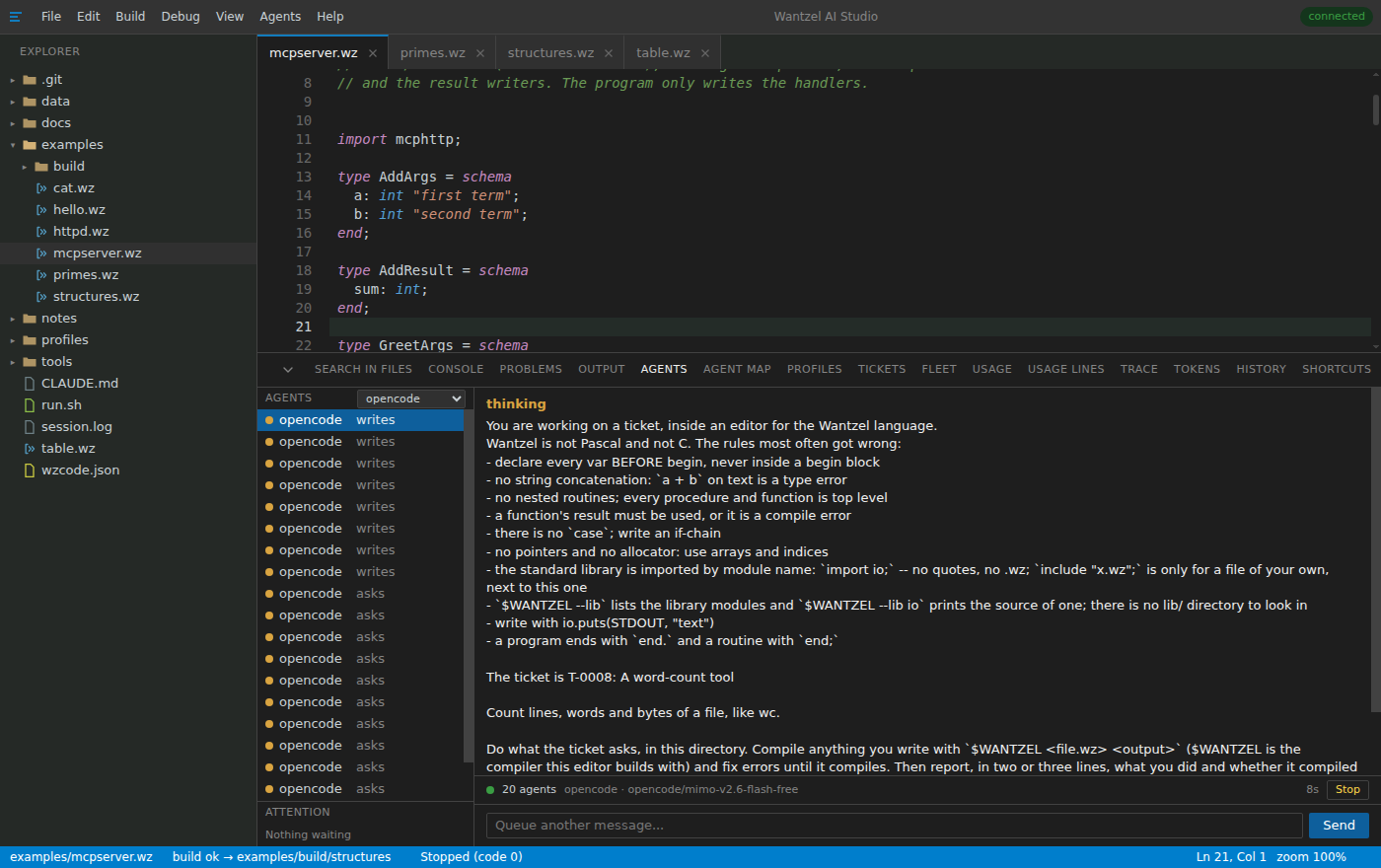
Watch an agent work
Ask in plain words and watch the agent edit, build, run and correct the files in your workspace. Take over at any time.
Describe a program
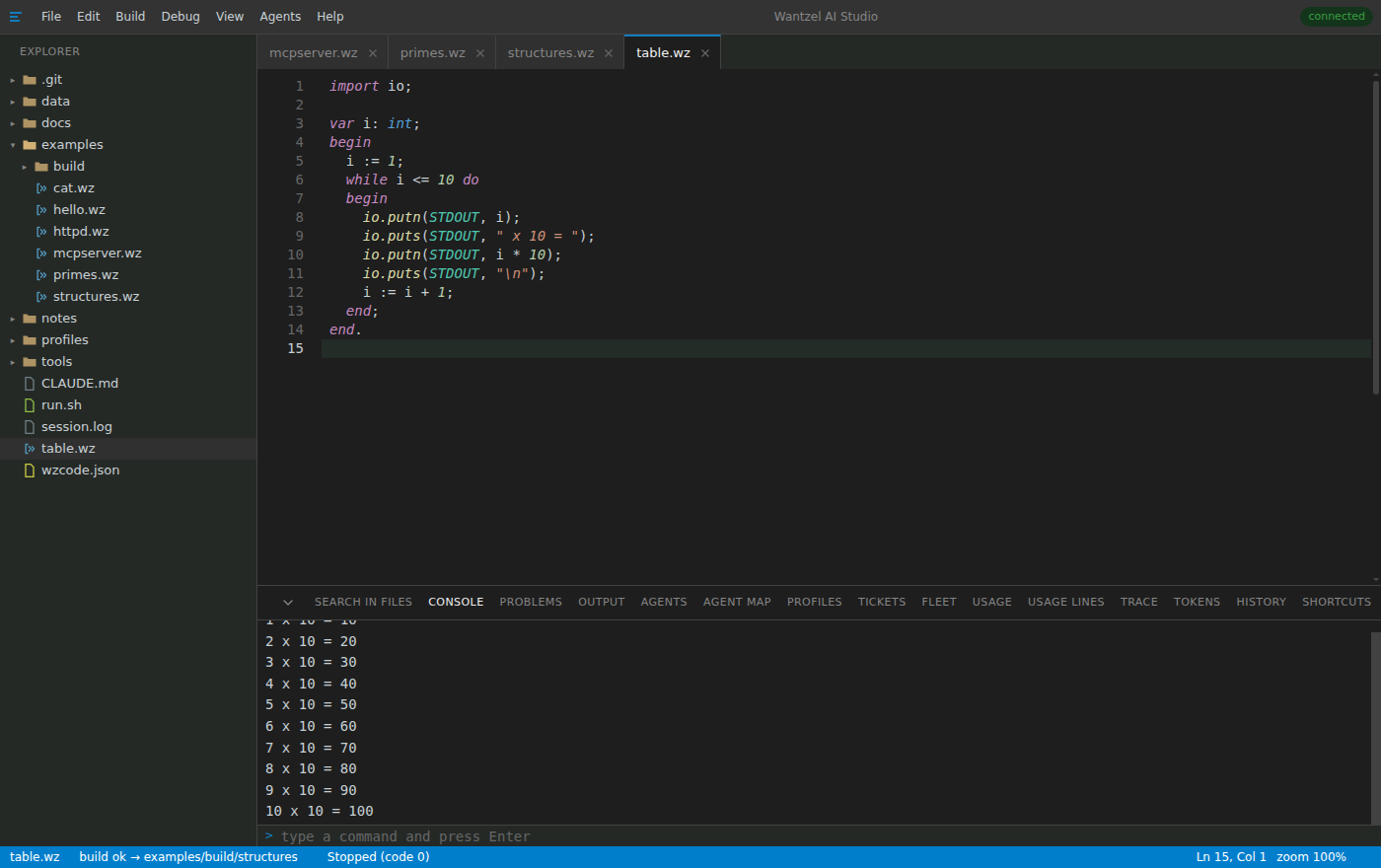
Type what you want in an empty file and press Ctrl+Enter. An agent writes, compiles, repairs and runs the program. Only code that compiles is written to the file.
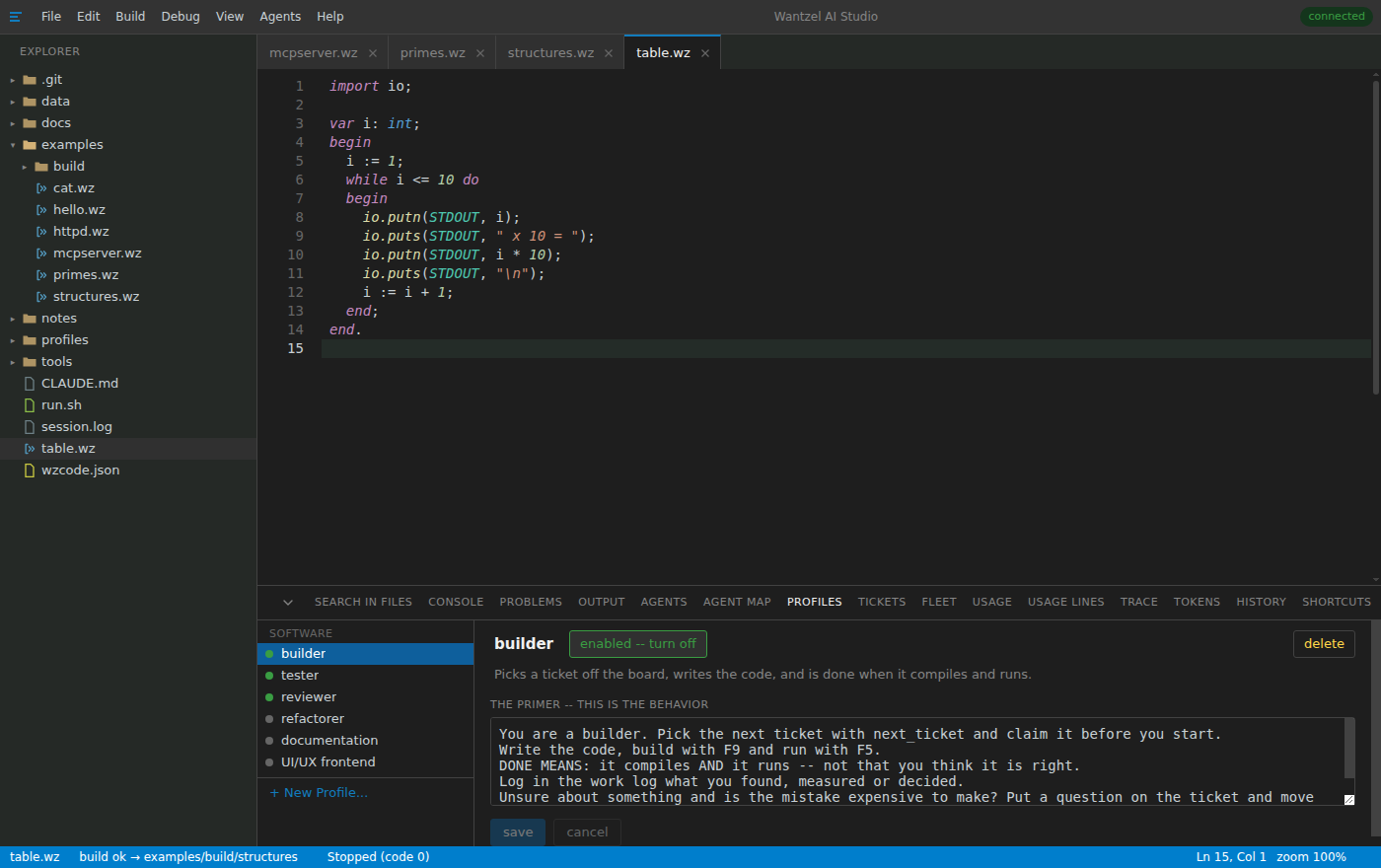
Give each agent a role
Profiles combine a role with its starting instructions. Use the included builder, tester and reviewer profiles, edit them or create your own.
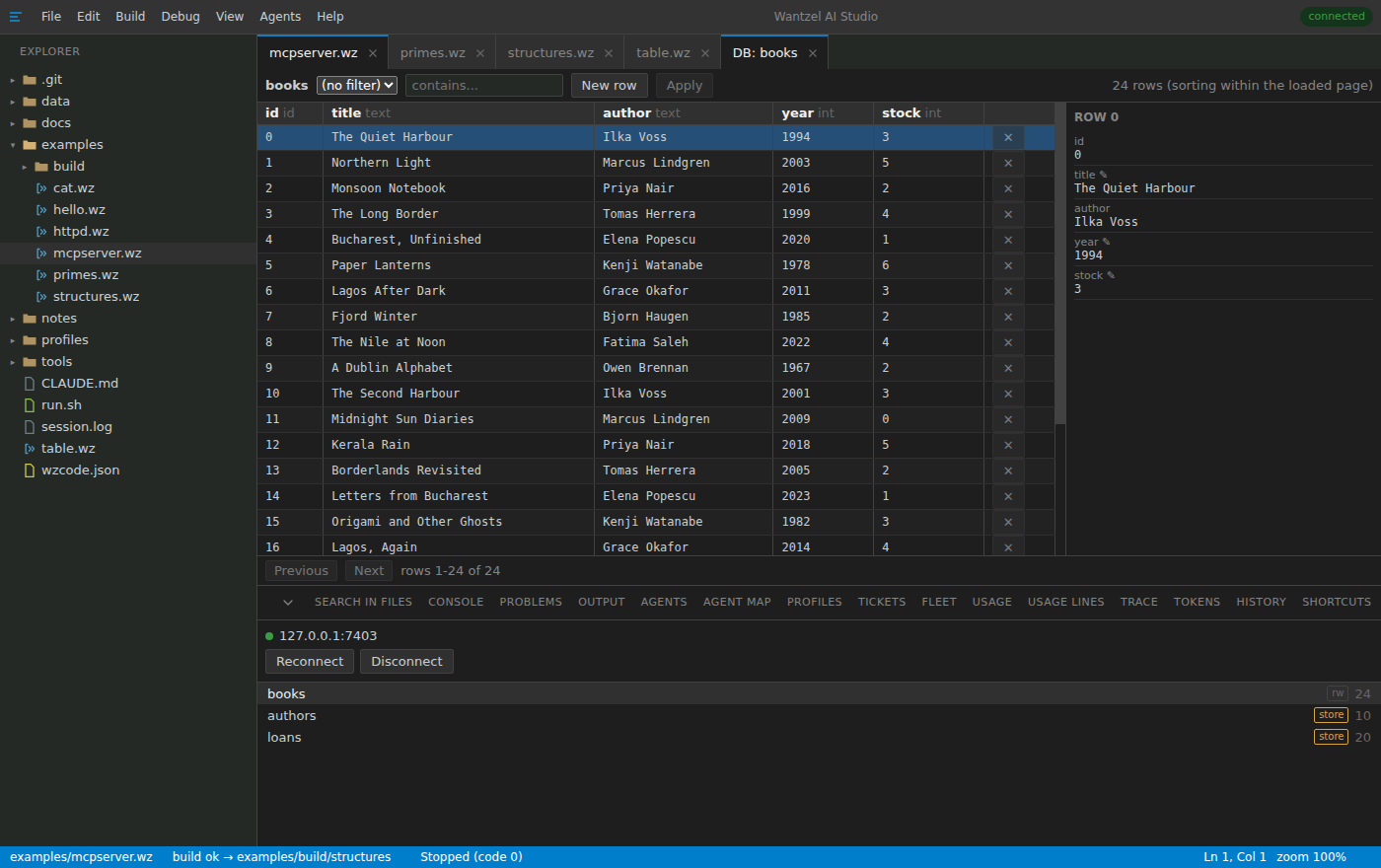
Browse application data
Connect to an application that exposes tables over MCP. Filter rows and edit allowed fields through the application's own validation.
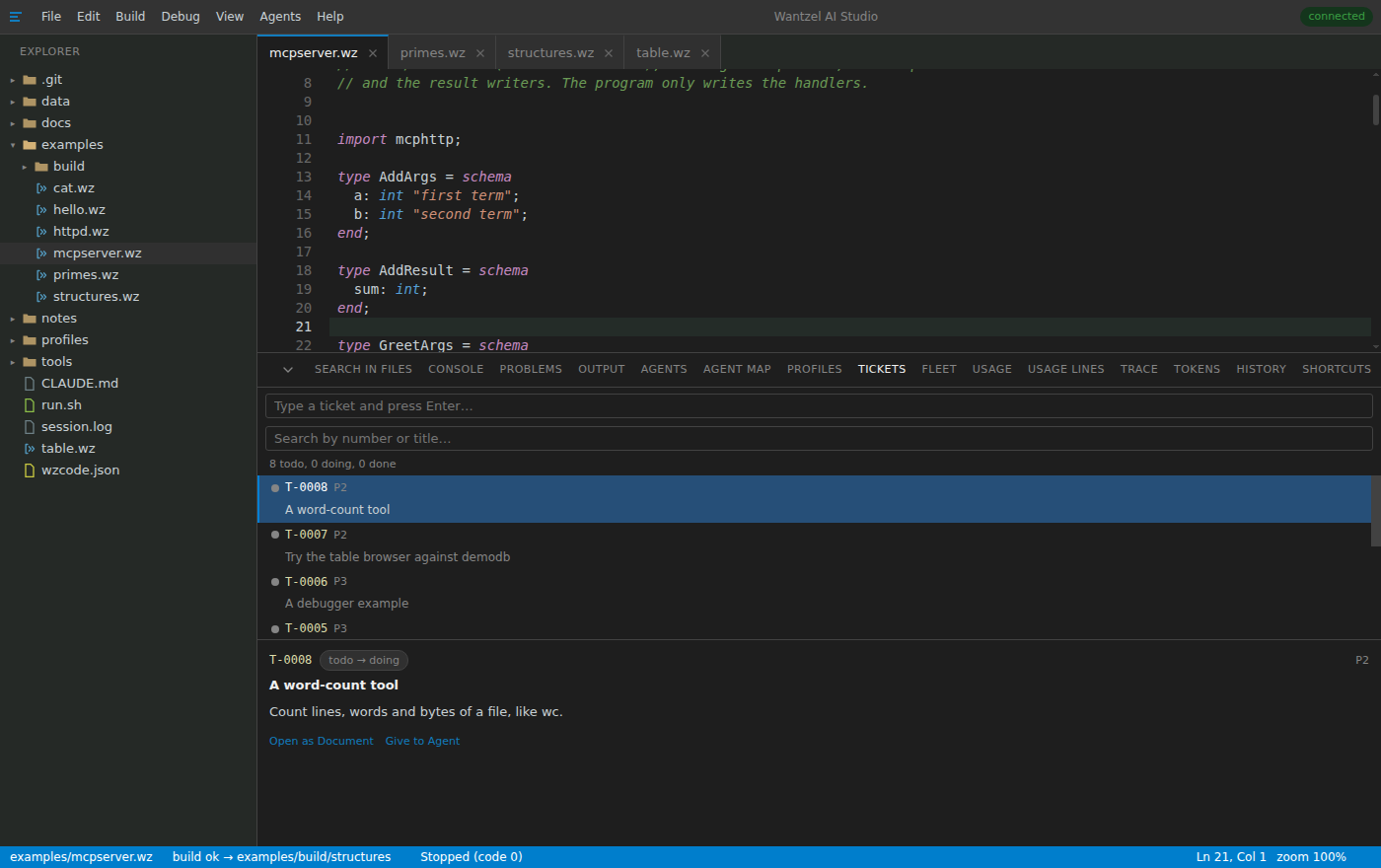
Work from a ticket
Search, read and update tickets beside the code. Give one to an agent and it writes, compiles and records the result in the work log.
Review project history
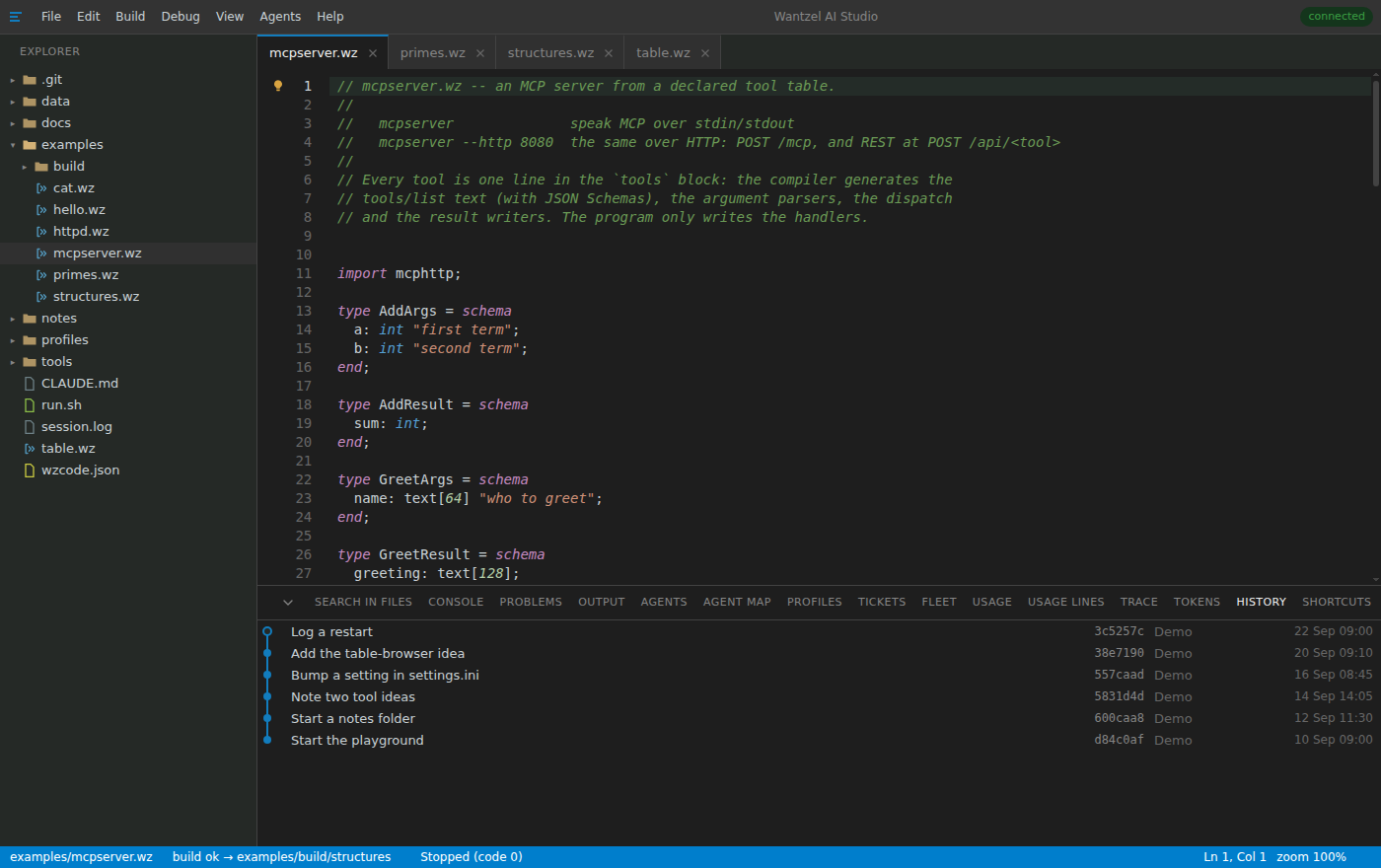
Browse commits as a graph with each message, hash, author and time.