Programming with Wantzel: the basics
A free course for anyone who wants to learn to program. You need nothing but a Linux terminal: the compiler is one free file.
Each lesson is short and builds one small working program. Values, decisions and loops come first; by lesson 50 you write programs that read files and talk to the network.
The lessons
Lesson 001 · The idea: learn to code by building real things
6:26
You'll write your first Wantzel program and watch it compile and run. Start by printing text, then build a menu and a countdown sequence, each one compiled and tested. Learn how the compiler gives clear feedback and runs exactly what your code tells it to do.
Lesson 002 · Meet Wantzel: the language and the compiler
6:30
You meet the Wantzel compiler and learn what it does: turn code into programs. Watch how Wantzel's strict rules catch errors before you run anything, and see programs compile in milliseconds. Write your own greeting program on paper, then you'll compile it in the next lesson.
Lesson 003 · Get the compiler
5:58
You download the Wantzel compiler and choose a text editor on Linux or Windows with WSL. Write and compile your first program in minutes, seeing how the compiler catches errors with clear messages. Learn how Wantzel enforces one way to write each language concept for predictable code.
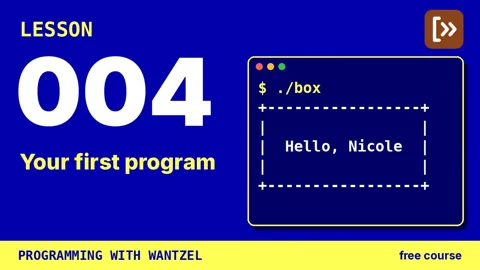
Lesson 004 · Your first program
6:35
You write your first complete program, compile it, and run it on your machine. Learn the three core steps—write, compile, run—that transform source code into a working program. By lesson end, you've built an application that prints your name inside a formatted box.
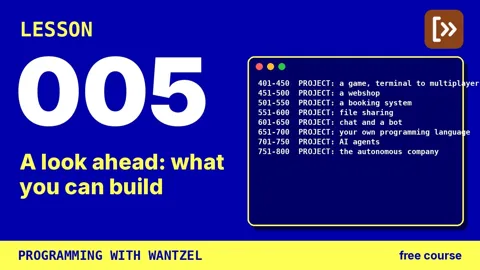
Lesson 005 · A look ahead: what you can build
7:24
Get a clear overview of what you will build and learn throughout the course. The eight blocks guide you from command-line programs through web apps, databases, and AI agents, showing how each foundation supports the next phase of your learning.
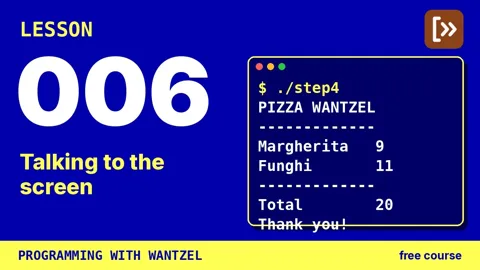
Lesson 006 · Talking to the screen
6:06
You write your first program that produces useful output: a pizza shop receipt. Learn how to print text and numbers to the screen, format the output with line breaks and code comments, and let the computer calculate totals for you.
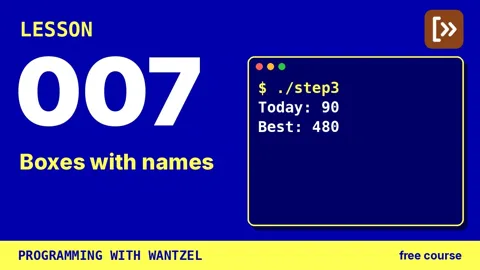
Lesson 007 · Boxes with names
7:05
In this lesson, you'll learn how variables work by building a step counter. You'll declare named boxes that hold numbers, fill them with the `:=` operator, and understand why a box holds one value at a time. By the end, you've mastered variables, the foundation for storing information in your programs.
Lesson 008 · Doing sums
7:08
You build a program to split a dinner bill among four friends, working through addition, subtraction, and multiplication. You learn how Wantzel handles whole-number division with div and mod instead of the slash used elsewhere, and why brackets are your safest choice when the order of operations matters.
Lesson 009 · Things that never change
6:06
You build a coffee bar price list and discover why magic numbers cause trouble in code. Learn to use constants for values that don't change during program execution, and see how editing one definition at the top updates every place your program uses it. You'll understand when to choose const versus var, and let the compiler enforce your data rules.
Lesson 010 · More kinds of values
5:49
You build a Celsius to Fahrenheit converter to explore different types of values beyond whole numbers. Learn how decimal-based values, true/false conditions, and single letters work in Wantzel. Discover why the language requires you to write down type conversions explicitly instead of converting automatically.
Lesson 011 · When the compiler says no
5:20
You learn to read and understand compiler error messages. Working through a broken shopping list program with several different errors, you discover how the compiler always tells you the exact line and the problem. By the end, you can locate any error by line number and fix it with confidence.
Lesson 012 · If this, then that
6:38
Build a ticket machine that charges different prices based on age. You learn six comparisons and how if and else work to make your program take different paths. Discover the semicolon trap that stops beginners and how to avoid it.
Lesson 013 · And, or, not
5:32
You combine multiple conditions using and, or, and not to make smarter decisions in your programs. Learn how to check several rules at once, properly bracket your comparisons, and store conditions in boolean variables. Build a program that decides whether it's a good beach day based on weather and availability.
Lesson 014 · Many choices
6:22
You build a grade calculator that assigns letter grades based on test scores. Learn how if/else chains let a program pick one answer from many options, and why the order of your tests matters. Master begin and end blocks to control which conditions work together.
Lesson 015 · Your program takes orders
7:29
You learn how to make programs accept command-line arguments and respond to them. Build a working calculator that takes numbers and operators from terminal input by converting text into usable numbers. You'll master argument handling and conditional logic to create an arithmetic calculator.
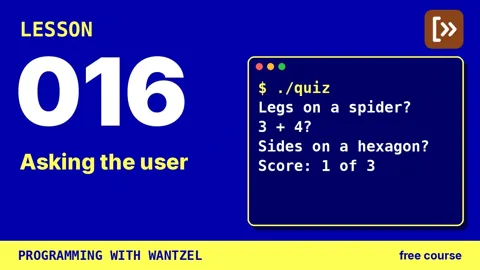
Lesson 016 · Asking the user
5:55
Learn to read input from the user with io.read and check it before you use it. You build an interactive quiz program that keeps score, and along the way discover character comparison and how to turn repeated code into functions.
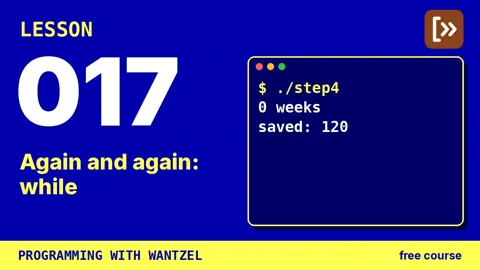
Lesson 017 · Again and again: while
5:27
In this lesson, you build programs that repeat code until a condition becomes false. Learn how a while loop checks a condition before each turn, runs the work, then checks again. You'll calculate answers you don't know in advance, like the weeks needed to save 100 with a changing balance.
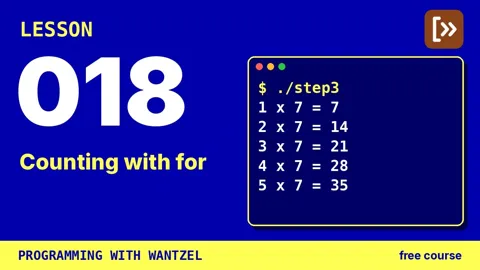
Lesson 018 · Counting with for
5:32
Learn the for loop, a cleaner way to count than with while loops. You build a rocket countdown and a multiplication table, discovering how for automatically manages the increment step that while requires you to write and remember each iteration.
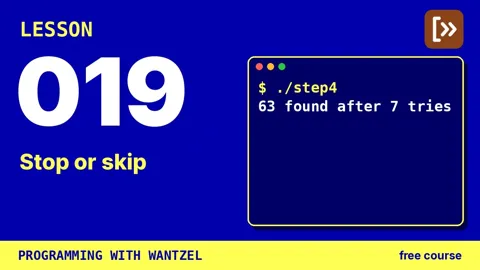
Lesson 019 · Stop or skip
6:27
You learn to control when loops stop and skip turns with break and continue. Build a program that searches for the first lucky number—divisible by 7 and ending in 3. Master these two keywords and you can write loops that end exactly when you find what you need.
Lesson 020 · Loops inside loops
5:49
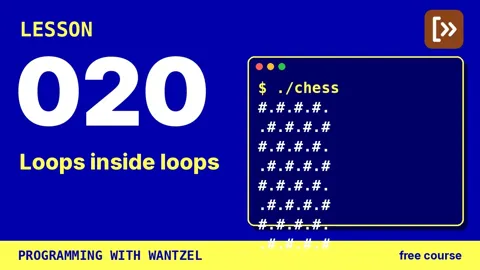
You learn to nest loops inside each other to create patterns in the terminal. By combining an outer loop for rows with an inner loop for columns, you build a pyramid of characters and a chessboard pattern. You discover how to use the row counter to change the shape of each repetition.
Lesson 021 · Rolling the dice
6:02
You learn how the mod operator keeps numbers within a range, and how the rand library gets unpredictable values from the operating system. Build dice rolls and coin flips, then code games that need randomness, including one that runs until you hit a six.
Lesson 022 · Game: guess the number
5:59
You build a guessing game using pieces from earlier lessons. Combine random numbers, keyboard input, and a counting loop to create a game where you guess a secret number within seven tries. Learn how these program pieces fit together to form a complete, working application.
Lesson 023 · Procedures
5:39
You build a cafe menu, then refactor it using procedures to eliminate duplicate code. Learn how to write a procedure, call it multiple times, and organize your code so changes happen in one place. Procedures make your programs readable and maintainable.
Lesson 024 · Functions give answers
6:44
You discover what makes functions different from procedures: they return answers to the caller instead of just performing a task. Build a tip calculator and a BMI calculator, learning how return sends values back and why the compiler requires you to use each answer, and how one function can call another.
Lesson 025 · Local and global
6:04
Learn where variables live and why it matters. You build a scoreboard with global variables that remember scores between calls, and discover why local variables reset to zero on each call. Understanding scope helps you choose the right home for each variable.
Lesson 026 · A function that calls itself
5:50
You learn how a function can call itself—recursion—by discovering the two essential ingredients: a base case that stops the calling, and steps that get closer to it. Through countdown, factorial, and Fibonacci, you write procedures that solve problems by breaking them into smaller versions of themselves.
Lesson 027 · Declare now, write later
6:16
You'll write routines that call each other using the forward keyword to promise the compiler a function is coming. You'll explore mutual recursion through examples like ping-pong exchanges and even-odd number checking. By understanding the compiler's top-to-bottom reading order, you solve the puzzle of which routine comes first.
Lesson 028 · Arrays
4:55
You learn to store multiple values of the same type in a single array, using numbered indexes to access each element. Build a weather diary that tracks temperatures for a week, find the warmest day using loops and array indexing, and discover how bounds checking prevents errors.
Lesson 029 · Walking through an array
5:20
You build a sports statistics program that walks through an array of match results. You'll calculate team totals, averages, and find the highest and lowest scoring matches. Learn how the len function tells you when to stop and why zero-based indexing is important in Wantzel.
Lesson 030 · Passing arrays around
6:08
Write a function that finds the highest score in any array, regardless of size. You'll learn how the length travels with the array, and how to pass a slice—just part of an array—while keeping the original data intact.
Lesson 031 · Text is a row of characters
6:02
You'll discover that text is just an array of numbers in disguise. Using ord and chr functions, you learn how each character maps to a number in the ASCII table. You'll build a Caesar cipher that shifts letters and then decodes them—the same encryption Julius Caesar used.
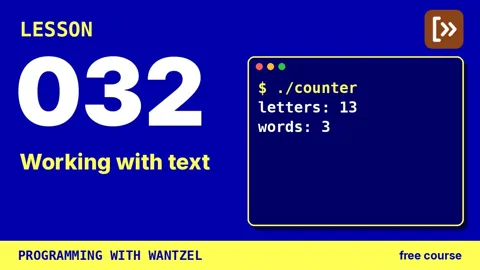
Lesson 032 · Working with text
5:43
Build a text counter by filling a buffer with pieces using io push and io pushnum, then counting the letters and words inside. You learn how buffers hold text, how library functions add to them, and how array slices work with functions that need character data.
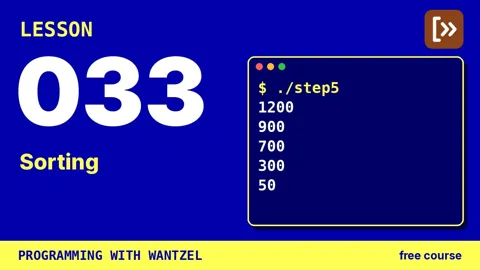
Lesson 033 · Sorting
6:26
You build a sorting function for an arcade game's high-score list using insertion sort. Learn how to swap two values and slide each score into the right position, then arrange them from highest to lowest with just a few lines of code.
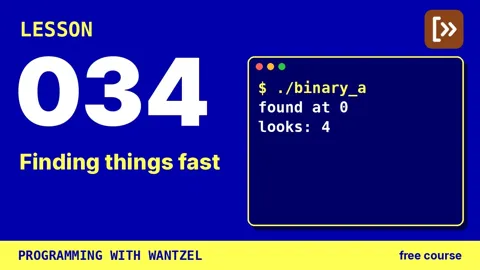
Lesson 034 · Finding things fast
5:23
You code linear search and binary search to find letters in a sorted array. By counting the steps needed, you discover that binary search does the same job in far fewer operations and learn why sorting enables this advantage. Explore when each method works best.
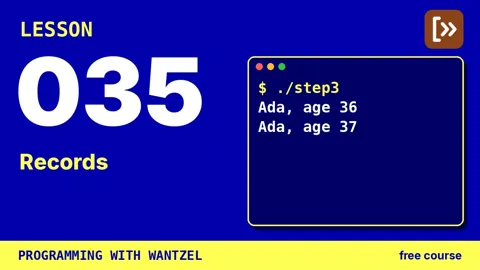
Lesson 035 · Records
5:20
You build a contact card to learn how records group related information in one variable. Explore how to define record types, access individual fields, and copy records independently. See how Wantzel's type system prevents mixing up different kinds of data.
Lesson 036 · A table of records
6:05
You build a library table where each row holds a book record with title and borrower information. Learn how a counter tracks which array slots hold valid data instead of relying on the array size. You'll add books and search records by card number.
Lesson 037 · Records in routines
5:58
You learn to pass records into routines and have them modify your data. A record parameter in Wantzel is an array of that type, letting the routine work on the full record and write changes directly back to the caller. You build procedures that fill bike records and see how arrays create a window onto your original storage.
Lesson 038 · An index is the pointer
5:28
You learn that an index is a safe alternative to a pointer by building a family tree with connected records. Each person stores a row number pointing to their parent, and you follow these indices through a table to navigate relationships. You discover why integer indices are safer than true pointers because they always reference visible data.
Lesson 039 · Files
5:51
You build a diary program that saves entries to disk, so your data persists between program runs. Learn how files work with handles and open modes for reading, writing fresh, and appending. Your program accepts command-line input and stores each entry permanently.
Lesson 040 · Exit codes and errors
5:47
Write a program that checks files and signals success or failure through exit codes instead of messages. You'll learn why programs return numbers when they stop—zero for success, any other number for a problem—and how this lets scripts chain together without parsing output.
Lesson 041 · Splitting into files
6:22
Organize a growing program across multiple files. You'll split a dice machine into separate modules using include statements and local variables to keep your code clean. Learn how file name prefixes prevent collisions between files, and master the techniques that scale programs from one file to many.
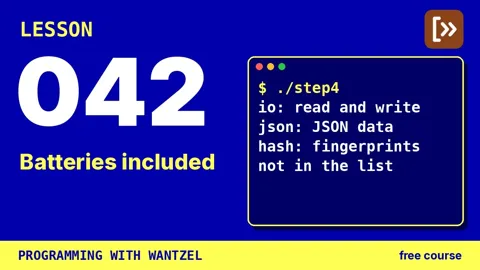
Lesson 042 · Batteries included
5:55
You explore Wantzel's standard library by building a tool that displays module names and descriptions. Learn how to use import statements, organize code with procedures and global variables, and adopt the habit of checking what exists before writing your own code.
Lesson 043 · How fast is fast?
5:41
You build a program that counts to a billion and measures how long it takes using io.now. Learn why a compiled loop finishes in less than half a second, and how to benchmark code properly with multiple runs for reliability.
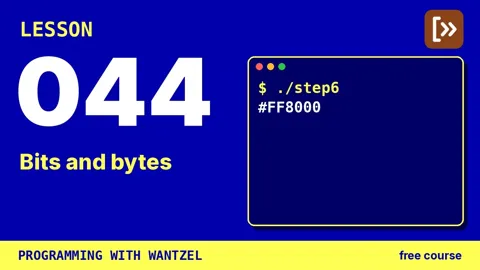
Lesson 044 · Bits and bytes
5:44
You pack the red, green and blue channels into a 32-bit integer using bit shifts and masks. You'll unpack, modify, and repack values using a pattern found in file headers and network protocols. Finally, you format colors as hexadecimal, the notation web browsers use.
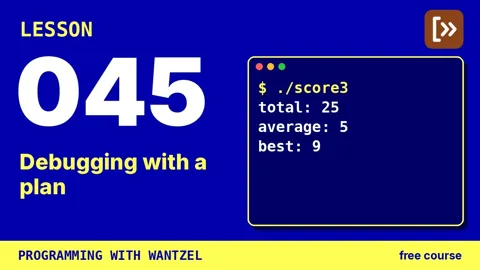
Lesson 045 · Debugging with a plan
6:08
Learn to debug with a plan: check compiler messages, add trace prints, shrink test cases, and verify fixes work. By fixing three bugs in a score program, you'll discover how each technique catches different types of errors that compile but produce wrong results.
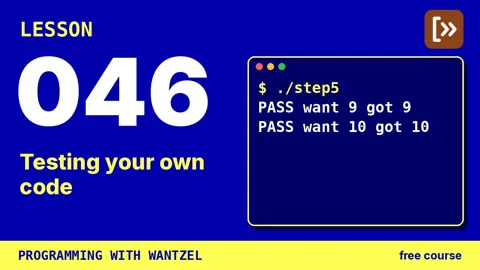
Lesson 046 · Testing your own code
5:05
You build a test runner that checks if your functions work correctly. Learn how to write tests that catch bugs you might otherwise miss, and how to use exit codes so other programs know whether your tests passed or failed.
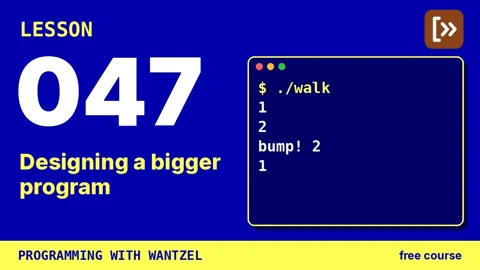
Lesson 047 · Designing a bigger program
5:50
You design and build a text adventure with rooms and connecting exits. Learn to plan your data structure first—using numbers as addresses—before writing behavior code. Work through small, tested steps to create a world where the player walks between rooms and bumps into walls.
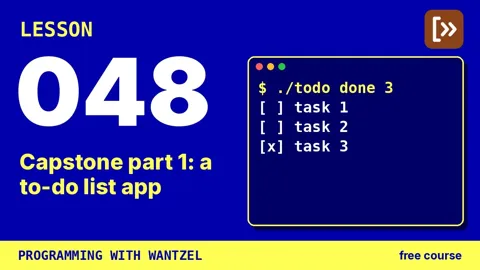
Lesson 048 · Capstone part 1: a to-do list app
7:19
Build a command-line to-do list app by putting together lessons you've already learned, including records, arrays, and argument handling. You'll discover how to let users control your program with commands, then learn why files matter for saving data between runs.
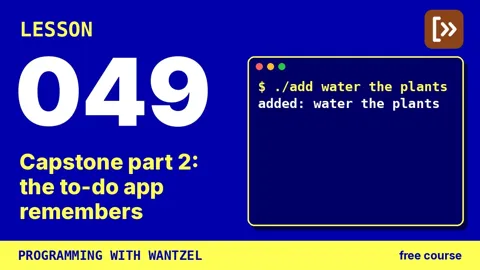
Lesson 049 · Capstone part 2: the to-do app remembers
6:07
You build a to-do app that saves tasks to a file, keeping them across sessions. Learn five small programs for file I/O: opening, reading, and writing. Master file descriptors, error codes, and how saving after each change keeps you from losing data when crashes occur.
Lesson 050 · What's next
5:07
You look back at fifty lessons, from hello world to a complete to-do app, and discover that almost every program uses the same core pieces. You learn how to plan your own projects using code, then explore what comes next: JSON, web servers, and tools that AI assistants can call.
- The whole playlist on YouTube50 videos.